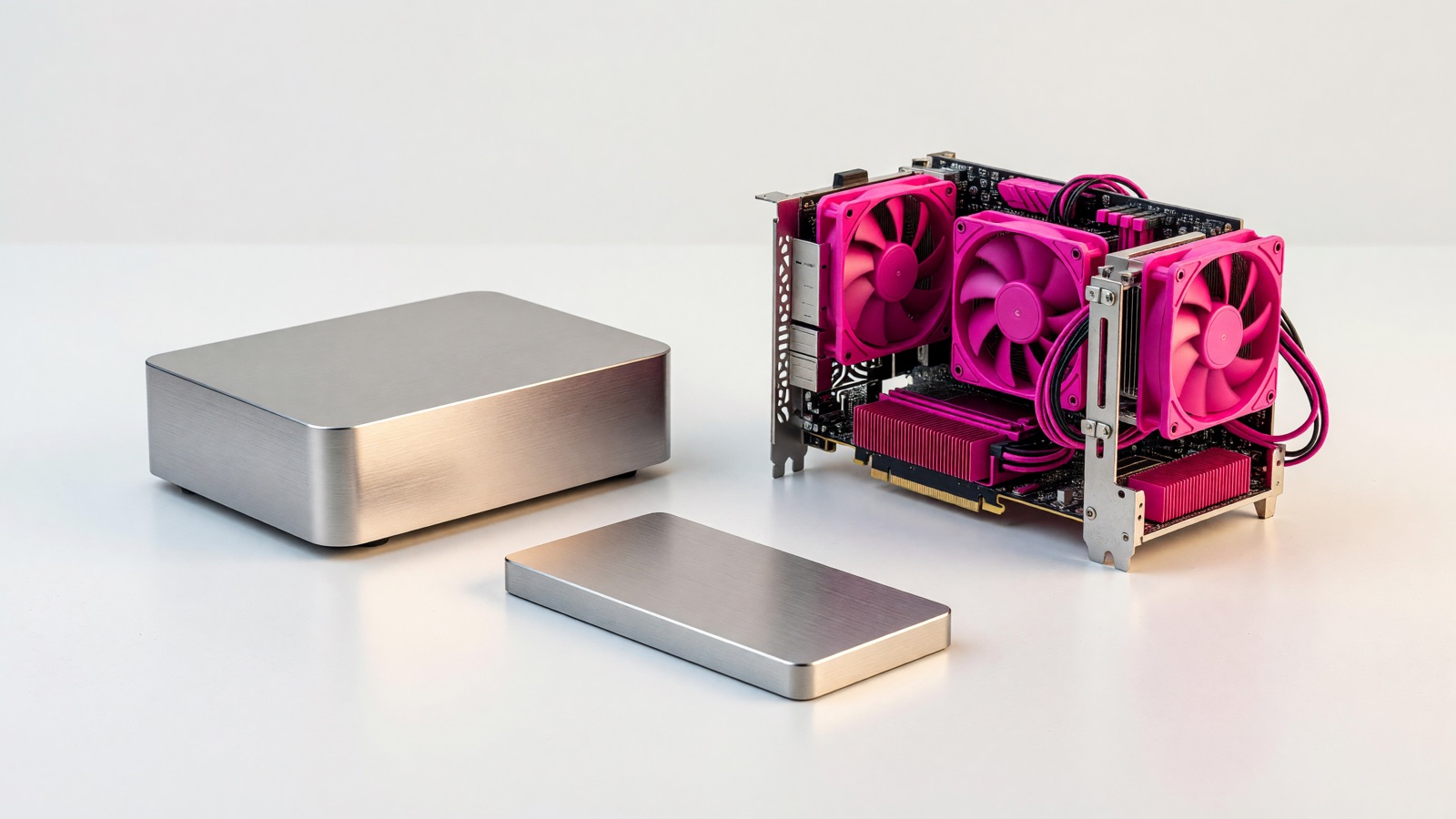
Keep both if you can. An external drive restores files in minutes and costs you once. Cloud backup is the copy that still exists after a fire, a stolen bag, or a drive you left plugged in during ransomware. Either one alone leaves a hole the other is built to cover.
The Tuesday this usually becomes real looks ordinary. The laptop will not boot. The USB disk from 2021 is in the same backpack, or still plugged into the dead machine, or in a drawer you have not opened since you copied the wedding folder once. The Google Drive you “always had” turns out to be a mirror of those same files, deletions included.
Should I use cloud backup or an external drive for photos and documents?
Use both for anything you cannot redownload. The drive is the fast restore in the same building. Cloud backup is the copy that is not in that building. Wedding photos and last year’s tax PDF fail the store-refund test, so they belong on both.
People treat this as a shopping question. It is a failure-question. A spinning USB disk next to the computer protects you when the laptop disk dies and you are still in the apartment. It does not protect you when the apartment is the event.
Wirecutter’s external-drive guide puts the split in one sentence: “Having both on-site and cloud backups ensures that your data stays safe from internet outages or disruptions to the cloud backup provider, as well as localized threats such as fire, theft, or natural disaster.”
That is the 3-2-1 idea without the poster version. Three copies (the live files plus two backups). Two kinds of media (the computer’s disk is not the only kind). One copy somewhere else. A laptop plus a USB disk in the same bag is two copies on two disks in one location. A laptop plus Google Drive is often two copies of the same live state. A laptop, a disk in a drawer, and a backup service that does not sync deletions is the combination that actually matches the rule.
I would start with the disk if money is tight this month. Plug it in, copy the photo library and the documents folder, eject it, put it in a different room. Then add a cloud backup on the machine that holds the irreplaceable files. The disk-only month is a stopgap. Do not call it finished.
Apps, games, and anything you can download again do not need this treatment. Steam will give you the game back. The three-year-old phone dump will not.
How much does cloud backup cost compared with a USB hard drive?
The drive is cheaper in year one. Cloud backup is cheaper to ignore after you install it. A desktop USB hard disk still lands around $26 to $31 per terabyte on public price trackers. A dedicated backup service such as Backblaze Personal is $99 a year for unlimited data on one computer.
On 15 September 2026, StorageDiskPrices listed in-stock desktop USB hard disks by dollars per terabyte. A 10TB WD Elements desktop drive was $287.82, about $29 per TB. A Seagate Expansion 8TB was $249.00, about $31 per TB. Those rows move. They are not a coupon.
PCMag’s March 2026 Backblaze review states the other side of the table in plain numbers: “It costs $9 per month or $99 per year and comes with unlimited cloud backup storage for one computer.” The same review lists $189 for two years, a 15-day trial, and no free tier. Backblaze’s own personal backup page matches the unlimited, one-computer pitch. PCMag also notes the license is per machine. Two laptops are two bills.
| External USB hard disk | Dedicated cloud backup (Backblaze Personal, as reviewed March 2026) | Folder sync (Drive, OneDrive, Dropbox) | |
|---|---|---|---|
| How you pay | Once, then replace the disk | $9/month or $99/year per computer | Monthly, by gigabytes |
| Capacity | You buy a size | Unlimited on that computer | You buy a size |
| Off-site | Only if you take the disk elsewhere | Yes | Yes |
| Survives a house fire | No, if the disk was in the house | Yes | Yes |
| Survives ransomware while plugged in | Often no | Version history may help | Encrypted files can sync up |
| Full restore speed | USB; typical external HDD around 100 MB/s | Your download, or a mailed drive | Your download |
| Phones | Manual copy | PCMag: no mobile backup | Often yes, for that app’s folder |
| Extra computers | One disk can hold several machines | Another license | Same account, still sync |
Five years of Backblaze on one PC is about $495 if the annual price holds. A 10TB desktop disk at $288, replaced once in that window, is still less cash. The subscription is rent on a copy that is not in your house. The disk is a thing you can lose, drop, or forget to plug in.
Wirecutter is blunt about the disk’s lifespan: “If possible, try to replace your backup drives between the third and sixth years of use.” Hard disks fail. Treating a 2019 USB drive as permanent storage is how people lose the “backup” they were proud of.
IDrive and similar tools sell a pool of terabytes you can share across PCs and phones. PCMag cited IDrive at $99.95 a year for 5TB on as many devices as you like. That is a different product from unlimited-per-computer. I am not picking a winner. Count machines and terabytes before you count brand names.
Does Google Drive count as a backup, or do I still need a drive?
No. Google Drive, OneDrive, iCloud, and Dropbox keep a live mirror of a folder. That is sync. If you delete a file, the cloud copy often follows. How-To Geek spelled this out in April 2026: the Trash window is about 30 days, then the file can be gone.
Sync is good at the job it has. You edit a spreadsheet on the laptop and it is on the phone. The failure mode is the same job running in reverse. Empty a folder by accident and every device agrees the folder is empty. Ransomware encrypts the Documents directory and the sync client treats the encrypted files as the new version.
Backup is a one-way copy with history. You should be able to pull last month’s file even if this month’s file is garbage. Dedicated backup tools keep versions for a while. Backblaze’s version-history page says the default is 30 days, with a free switch to one year, and a paid “Forever” rate of $0.006 per GB per month for versions older than a year. That is still not the same as leaving a disk unplugged in a drawer.
People mix the two because both use the word “cloud.” A 2TB Google One plan is storage you can open from anywhere. It is not a second copy that ignores what you just did on the laptop.
If Drive is where the only copy of the photos lives, you do not have a backup. You have a folder with a vendor. Copy that folder to a disk you unplug, or point a backup app at the machine, or both.
What happens to an external drive during ransomware or a house fire?
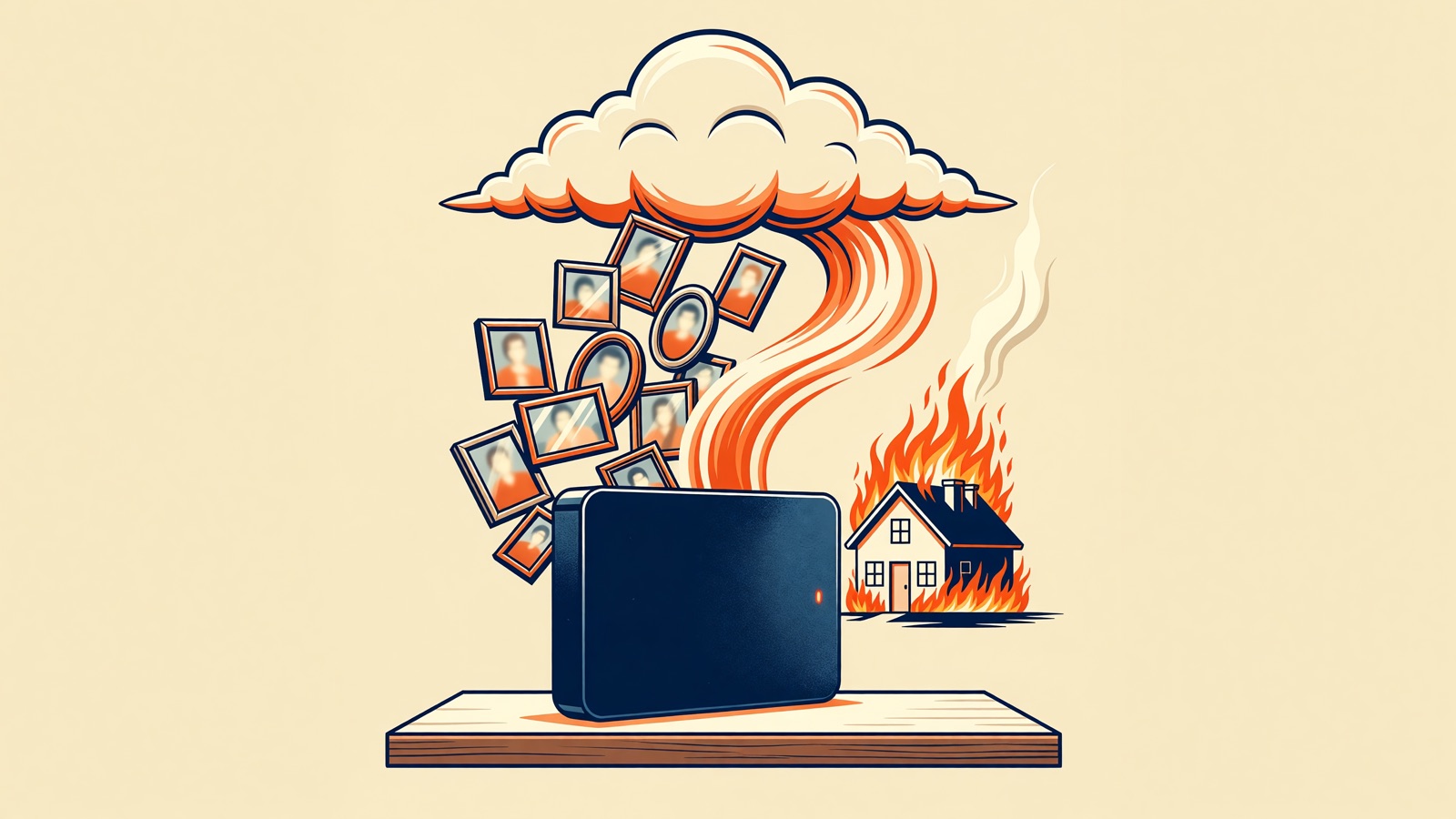
A drive left next to the computer dies in the same fire. It also dies in the same ransomware run if it is still plugged in. CISA’s ransomware guide is not subtle about that last case. Cloud backup is the off-site copy. An unplugged drive is the offline copy.
CISA tells organizations to maintain offline, encrypted backups and to test that those backups actually restore. The same guide then says, “It is important that backups are maintained offline, as many ransomware variants attempt to find and subsequently delete or encrypt accessible backups to make restoration impossible unless the ransom is paid.”
A USB disk that stays connected all day is not offline. It is another volume on the same Windows box. The cheap version of CISA’s advice at home is: copy, eject, unplug, put it in a closet that is not the desk. A relative’s house is even better if you can stand the awkwardness of handing someone a disk once a quarter.
Cloud backup handles the fire and the stolen backpack because the copy is already somewhere else. It does not automatically handle a live sync of infected files. That is why the unplugged disk still earns its keep after you pay for a backup subscription. One copy is off-site. One copy is unreachable until you plug it in.
I have watched people buy a “backup drive,” leave it mounted, and feel responsible. The drive is still a volume on the same PC, so the malware can still see it.
Test a restore once. Pick a folder you do not care about, delete the local copy (or pretend to), and bring it back from the disk and from the cloud. A backup you have never opened is a label on a box.
Can I restore a whole computer from the cloud as fast as from a drive?
The drive wins on a full restore if it is sitting next to you and USB is working. Cloud restore is limited by your download speed. For a multi-terabyte library that can mean overnight, or a mailed disk from the provider. For one missing folder, either path is fine.
Engadget’s September 2026 external-drive comparison put typical external hard disks around 100 MB/s and external SSDs at 500 MB/s or more. At 100 MB/s, a 500GB photo library is on the order of an hour and a half, not a weekend. Home download from a backup vendor is whatever your ISP sold you. A 50 Mbps download is about 22 GB per hour. That 500GB library is then the better part of a day, if the pipe stays clear.
I did not time a restore on your account, so treat those as arithmetic on published speeds, not a promise.
PCMag lists a mailed-drive restore among Backblaze’s strengths and also notes restores go through the web app rather than a Finder or Explorer pane. Macworld’s 2024 review called the service something you hope you never need. That is the right attitude. You are buying a boring recovery path, not a new folder on the desktop.
If you edit video, keep the current project on the internal SSD and the archive on a local disk. Cloud backup can still sit behind that archive. Waiting on a 4TB download after a disk crash is a miserable way to learn about upload caps.
An external SSD restores faster than a spinning disk. It also costs more per terabyte. For a disk that lives in a drawer and wakes up on Sundays, the spinning drive is still the usual buy. For a disk you carry between home and work, flash is less likely to die from a drop. Engadget’s piece is about that split, not about cloud backup, and the physics still apply when the restore is sitting on your desk.
Frequently asked questions
If I already pay for Google One, do I still need an external drive?
Yes, if that Drive folder is a live mirror of the laptop. How-To Geek’s April 2026 note is the practical limit: deleted files linger in Trash for about 30 days, then they can vanish. Pay Google for sharing and phone access. Keep a USB disk you unplug, or a backup app that does not delete when you delete. The subscription you already have does not replace that second copy.
How often should I plug in the external drive?
Weekly is enough for most family photo libraries. Daily if you edit video or run invoices off that machine. Leave it unplugged the rest of the week so ransomware cannot see it. A drive that stays connected is just another disk on the same computer, and CISA’s offline advice no longer applies.
What if I have two laptops?
Cloud backup licenses are often per computer. Backblaze is $99 a year per machine in PCMag’s 2026 figures, so two laptops are $198. One 8TB desktop disk can hold both libraries, but it is still in one room. Put the cloud license on the machine with the irreplaceable files. Use the disk for both. Do not buy a second disk just to feel symmetrical.
Can I stop paying for cloud backup after the first upload?
Not if you want the off-site copy to stay there. Backblaze’s help pages say that if you stop paying, the data is deleted. Treat the yearly fee as rent on a copy that is not in your house. The USB disk you already bought still works without a subscription. It still fails the fire test if it never leaves the building.