AI · Tesla & EVs · Gadgets · Everyday fixes
Practical tech, clearly explained.
Straight answers first, sources linked, no filler. Pick a topic or start with the latest guide.
Browse by topic
Latest guides
-

How Much VRAM Do I Need to Run a Local LLM? Check the Model and Context First
For local text chat, 8 GB of VRAM is a reasonable starting point; 12–16 GB gives larger models and longer conversations more…
-
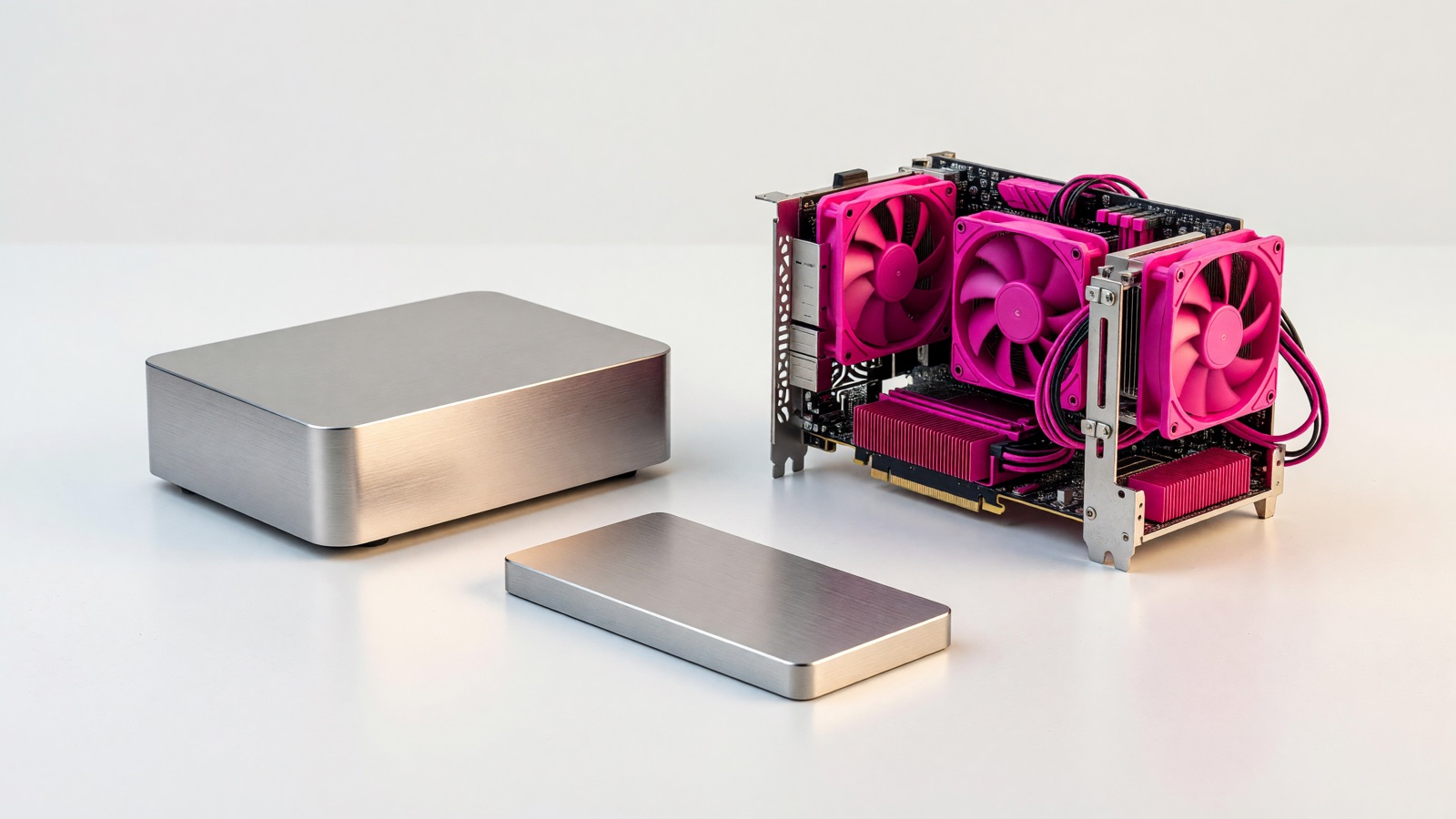
ExLlamaV3 vs Ollama for an Nvidia GPU: which should you try first?
Start with Ollama if you have an Nvidia card and want to download a model for a local chatbot today. Try ExLlamaV3…
-
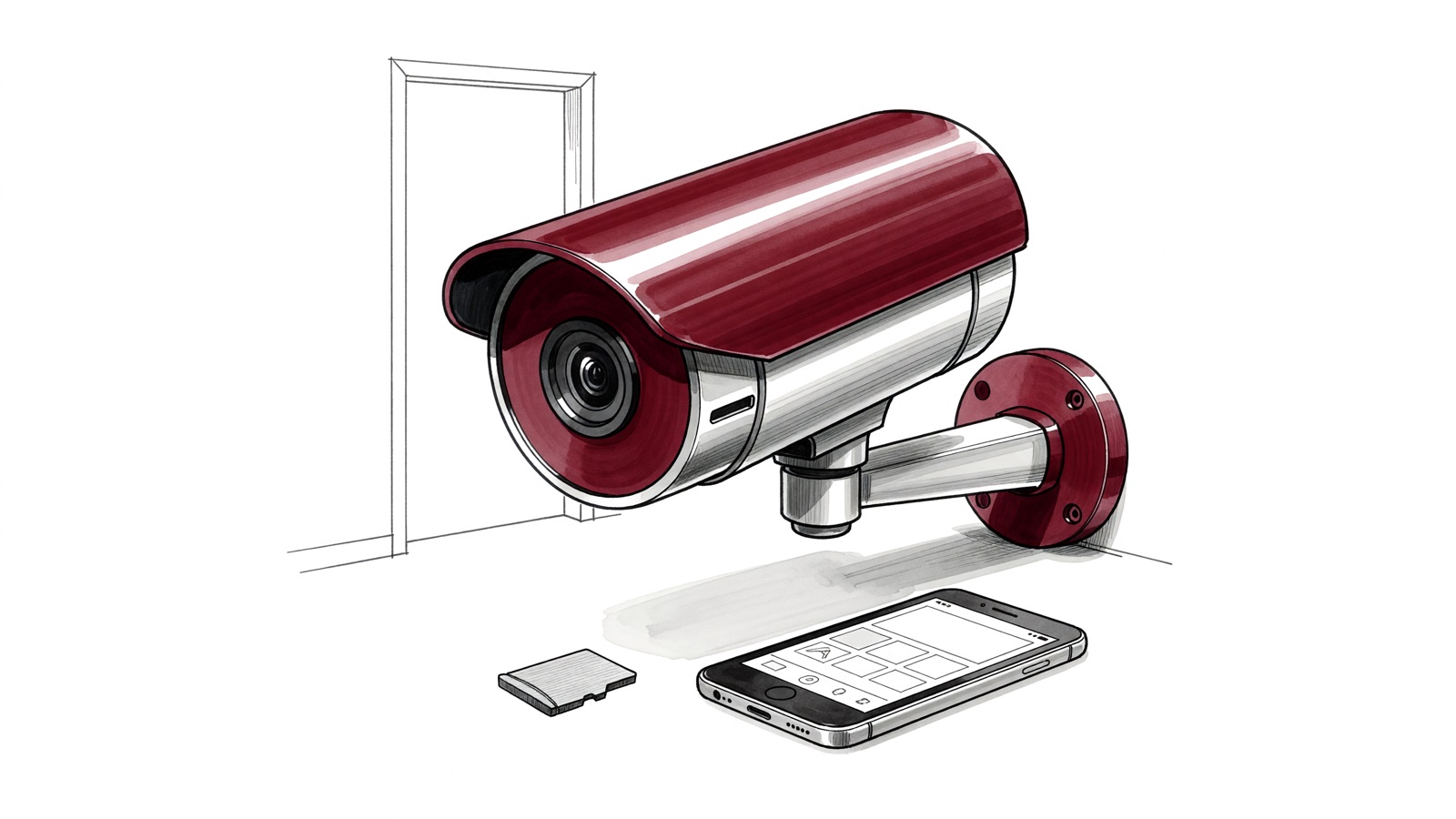
How to choose a microSD card for a security camera: check compatibility before capacity
Choose a microSD card supported by your exact security camera, with enough capacity for the footage you need and an endurance rating…
-

How to fix washed-out HDR on Windows 11 when the desktop looks gray
Your screen can look gray the moment you turn on HDR, even though the game you bought the monitor for looks fine.…
-

Video doorbell local storage vs cloud subscription: which keeps the missing package clip?
A delivery alert is useful until the package is gone and the clip is missing too. Local storage avoids a recurring storage…
-

NAS vs mini PC for a home server: choose storage or flexibility first
Your laptop is out of photo space, and you want the files available without leaving that laptop on all night. Start with…
-

CMR vs SMR Hard Drive for a Home NAS: Why Rebuilds Decide
Your photo library is moving to a NAS, and the cheaper drive looks identical on the shelf. Choose CMR for the drives…
-

how to fix bluetooth headphone audio delay on windows 11: a practical diagnosis
A video character’s mouth moves before you hear the words, or a game’s effects arrive after the action. On Windows 11, check…
-

USB4 vs Thunderbolt 4 for an External SSD: What Actually Affects Speed?
If your laptop has a Thunderbolt 4 port, a compatible 40Gbps USB4 external SSD can work well. A Thunderbolt badge by itself…
-
How to Test If an HDMI Cable Supports 4K 120Hz
To test an HDMI cable for 4K at 120 Hz, check its official marking and certification, connect a compatible source directly to…