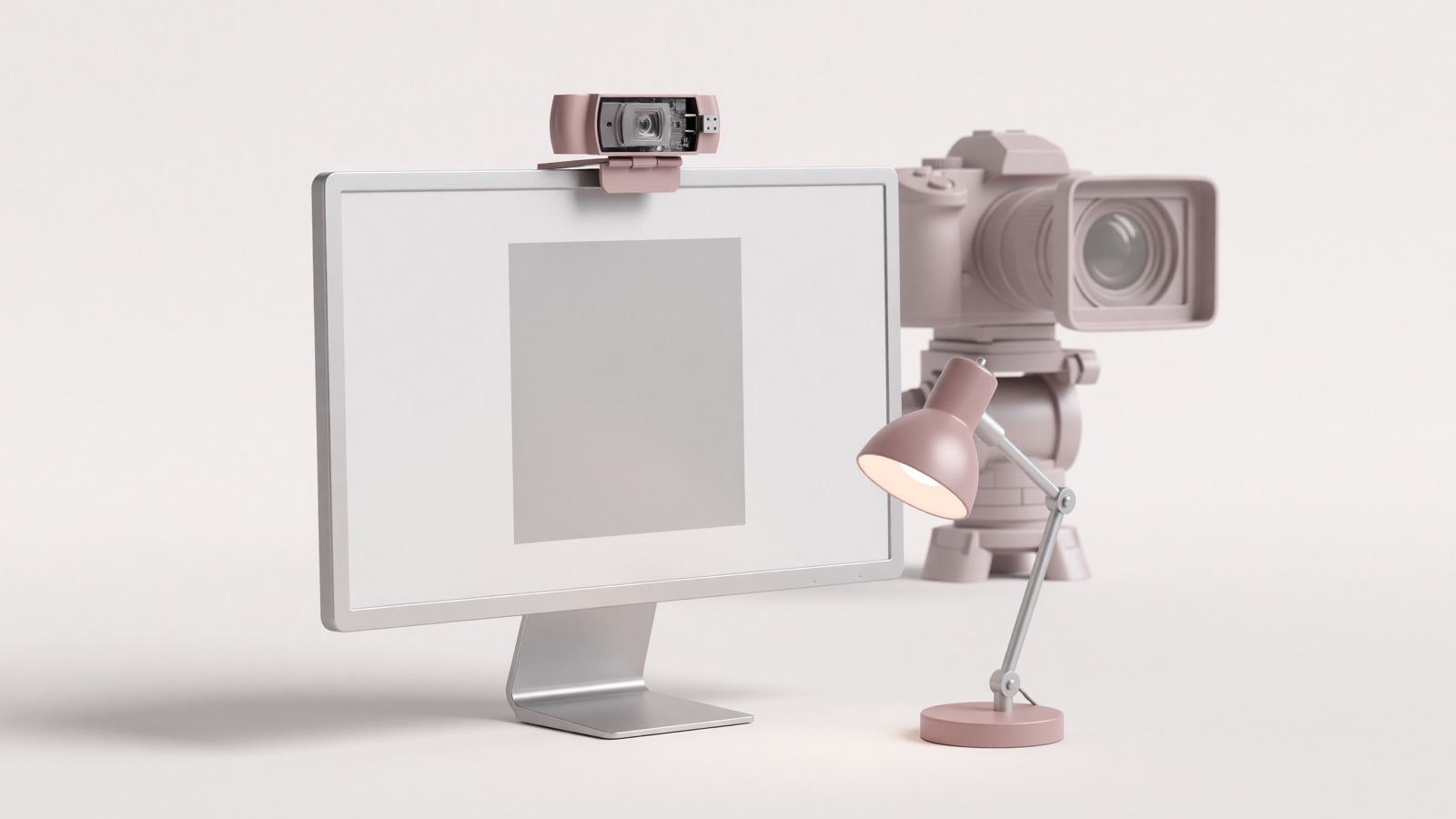
A 1080p USB webcam with autofocus is enough for most Zoom, Teams, and Meet calls. Those apps often send 720p, and 1080p is gated by plan or pinning. 4K helps if you crop or record locally. Light your face from the front before you buy a bigger sensor.
Tuesday, 9:01 a.m. The standup tile that is supposed to be your face is a ceiling fan and half a forehead. You tilt the laptop. Now it is nostrils. Someone in the gallery is a crisp talking head. You are a security still. The laptop already has a camera. The box at Best Buy says 4K. That is the whole decision most people make, and it is the wrong one.
The person on the other end is not watching a cinema file. They are watching a compressed rectangle next to a spreadsheet. Zoom’s own HD article is blunt about what HD means in a group meeting. Shop for the picture that survives that pipe, not the number on the carton.
Do I need 4K for Zoom, Teams, and Google Meet?
No. Zoom’s HD setting is 720p for group calls on many plans, and 1080p is limited to Business and Enterprise. Microsoft Teams will go up to 1080p at 30 fps when bandwidth is there. Google Meet can send 1080p on Workspace plans if you opt in, but only when someone pins you or the meeting is recorded.
Zoom writes it without marketing fog: “HD video will activate 720p video quality for the active speaker video layout in a group meeting. Full high-definition 1080p video is limited to Business and Enterprise plans.” You can own a 4K stick and still leave as a 720p tile. Zoom also lists an i7 quad-core for Full HD send and wants virtual backgrounds off.
Teams is a little more generous on paper. “Where bandwidth isn’t limited, Teams optimizes media quality, including high-fidelity audio, up to 1080p video resolution, and up to 30 fps (frames per second) for video and content.” The same page says Teams can deliver HD in under 1.5 Mbps and will protect audio first when the connection gets thin.
Google Meet added 1080p send on computers that already have a 1080p camera. It is off by default. Meet then sends that Full HD only when the meeting is recorded or when someone pins you on a screen large enough to use it. A twelve-person gallery is not that screen.
WIRED’s 2026 camera tests land in the same place. “Most videoconferencing software cap the resolution at 1080p for bandwidth purposes, so a 4K webcam may not be necessary at all.” The testers still like 4K hardware for crop and a cleaner downscale, which is a recording argument, not a “your boss will see 2160p” argument.
| What you buy | Typical capture | What a call often sends | When the extra pixels help |
|---|---|---|---|
| 720p | 1280×720 at 30 fps | Still common as the floor | Only if money is the constraint |
| 1080p | 1920×1080 at 30 fps | The practical ceiling on Zoom, Teams, Meet | Everyday calls |
| 4K | 3840×2160 at 30 fps; many cams do 1080p at 60 | Still compressed toward 1080p or 720p | Crop, local recording, a larger sensor that happens to be 4K |
Zoom’s bandwidth table is the part people skip at the store. 720p is about 1.2 Mbps up and down on a 1:1 call, and 2.6 Mbps up / 1.8 Mbps down in a group. 1080p wants about 3.8 Mbps to send and 3.0 Mbps to receive. If a partner is already on a call, the 4K camera is not the bottleneck. The pipe is.
What webcam specs actually matter on a video call?
Autofocus, field of view around 70 to 80 degrees, and how the camera handles mixed light matter more than a 4K badge. A cheap 4K stick with a tiny sensor still looks noisy at 6 p.m. in a spare bedroom. Look for 1080p at 30 fps, a glass lens, and a shutter you can close.
The evening call is the test. Overhead kitchen light. A window behind your shoulder. The laptop camera turns you into a cutout. Auto-exposure is the feature that either saves that shot or blows the window into a white slab. Logitech calls the older version RightLight 2 on the C920s and RightLight 4 with HDR on the Brio 505. Those names are vendor language. The job is the same: keep a face readable when the room is not a studio.
Field of view is the other number that shows up as a lifestyle. 78 degrees is a head-and-shoulders shot on a laptop lid. 90 degrees starts to show the laundry chair. 65 degrees is tighter if you would rather not run a blur that eats CPU. The Brio 505 lists 90°, 78°, and 65° plus 4x digital zoom. The C920s is a fixed 78°. One matches a small desk. The other matches a room you do not want to advertise.
Autofocus matters the first time you hold a notebook up to the lens. Fixed-focus budget cams are fine if you never lean in. They go soft the moment you do. If you demo objects, pay for it. If you sit still two feet from a monitor, it is a smaller deal.
| Spec (Logitech, manufacturer pages) | C920s | Brio 505 |
|---|---|---|
| Max call-friendly capture | 1080p at 30 fps; 720p at 30 fps | 1080p at 30 fps; 720p at 60 fps |
| Sensor listing | 3 MP | 4 MP |
| Diagonal field of view | 78° fixed | 90° / 78° / 65° |
| Digital zoom | 1.2x | 4x |
| Autofocus | Yes | Yes |
| Light correction | RightLight 2 | RightLight 4 with HDR |
| Mics | Dual stereo, range listed to 1 m | Dual beamforming, range listed to 1.22 m |
| Port | USB-A | USB-C |
| Privacy shutter | Attachable | Built-in |
Those two rows are examples, not a ranking. Logitech’s C920s copy still sells the same job it had a decade ago: “C920s delivers remarkably crisp and detailed Full HD video (1080p at 30fps) with a full HD glass lens, 78° field of view, and HD auto light correction—plus dual mics for clear stereo sound.”
WIRED’s 2026 side-by-side is the independent check. After more than 15 cameras, the testers put a $200 Insta360 Link 2C Pro on top, mostly for a 1/1.3-inch sensor and low light, not because 4K magically appears in Zoom.
Skip “AI tracking” unless you walk the room while you talk. Pan-tilt gimbals are for teachers and streamers. On a seated call they hunt, then they crop your ears.
Should I replace a laptop camera or keep using it?
Keep it if the picture is already sharp in good light and you sit at eye level. Buy a USB webcam if the laptop lens sits below your chin, hunts focus, or silhouettes you against a window. An external camera also unplugs, which Consumer Reports treats as the only sure privacy move.
Open a notes app. Put the laptop on a stack of books until the lens is at your eyes. If the picture is already decent, the money you were about to spend on a webcam is a desk lamp.
The laptop camera usually sits too low, so everyone looks up your nose. It also has no shutter, so the LED is the only promise that the thing is off. An external cam clips to the monitor you actually look at. That single change, eye-level instead of keyboard-level, is why a $60 1080p stick still shows up in 2026 roundups.
Ports are the gotcha on newer laptops. Brio 505 is USB-C plug-and-play. C920s is USB-A. A MacBook with two USB-C holes needs a hub for the older cable. Check the port before you check the megapixels.
Privacy is the argument laptop makers lose. Consumer Reports put it this way: “The only way to be 100 percent safe is to unplug webcams when you’re not using them.” A USB camera can leave the desk. A laptop camera cannot. A sliding cover on the laptop is the compromise. Tape works. It looks like tape.
Do not assume the USB camera is selected. Zoom, Teams, and Meet remember the last device. Plug in the new cam, open settings, pick it by name, then join with video off once so you are not the person who arrives as a black square.
Where should I put a webcam so it doesn’t look like a security cam?
Clip it on the top of the monitor, lens at eye height, about two feet from your face. Point a lamp at your face, not behind your head. Disable background blur if the call starts dropping frames. WIRED’s testers still say a cheap light beats a cheap camera.
The security-cam look is a high angle or a low angle. Books under the laptop fix low. A monitor clip fixes high if you stop mounting the thing on a shelf behind the screen. Two feet is close enough for 78 degrees to fill with a face. Four feet is a waist-up shot and a tour of the room.
Light is cheaper than glass. A window in front of you is free and unkind at noon, because it changes. A cheap LED panel off to the side, not behind you, is the 6 p.m. version. WIRED’s testers said even a simple light improves calls more than a budget webcam. I have watched people buy 4K and keep the window at their back. The 4K file is a sharper silhouette.
Software can fight you. Zoom’s Full HD send wants virtual backgrounds off. Blur eats CPU that the camera needed for 30 fps. If the picture stutters after you enable “touch up,” turn the effect off before you blame the USB cable. Set send to 1080p if the menu offers it, then watch a recording. The live tile lies.
The clip should bite the monitor, not hover on a shiny lid that dumps the camera when you shut the laptop. If you use a second screen, put the camera on the screen you look at. Talking to the dark monitor while the lens sits on the bright one is how you get the three-quarter stare.
Built-in mics are a separate decision. Dual mics on a C920s are specified to about a meter. That is a quiet spare room. It is not a kitchen. Use the headset you already own. Zoom and Teams let you split devices. Split them.
Frequently asked questions
Most leftover questions are the same ones. 4K does not show up on a normal Zoom tile. A USB camera works on Mac and Windows if you pick it in settings. Unplug it or close the shutter when you are done. Lighting still does more than the box.
Do I need a 4K webcam for Zoom?
No. Zoom’s own HD toggle is 720p for many group meetings, and 1080p needs a Business or Enterprise plan plus extra CPU and bandwidth. A 4K sensor can still look cleaner after you crop, but the person on the other end is not watching 4K. Spend on light first.
Will a USB webcam work on a Mac and a Windows PC?
Most UVC cameras just plug in. Logitech lists the C920s and Brio 505 for Windows, macOS, and ChromeOS. Brio 505 wants USB-C. Older C920-class cameras use USB-A, so a dongle shows up on newer MacBooks. Pick the camera in Zoom or Teams settings after you plug it in. The laptop lens often stays selected.
Should I use the webcam microphone?
Use a headset if you have one. Webcam mics sit far from your mouth and pick up the keyboard. WIRED notes that a MacBook mic can beat a cheap webcam mic. Dual mics on Logitech’s C920s are rated to about a meter. Fine in a quiet spare room. Not fine next to a dishwasher.
How do I stop the camera from watching me after the call?
Close the shutter or unplug the USB camera. Consumer Reports says unplugging is the only way to be 100 percent sure. Laptop cameras need a sliding cover you can actually see. A closed shutter is visible. Software off is not.