Buy a range extender when one or two adjacent rooms are dead and you are happy with the router you already own. Buy mesh when several rooms are weak or the floor plan is large. If you can run a cable to the second box, wired backhaul beats either option.
The bedroom has bars now. The little plug-in box did exactly what it promised. The video call still freezes in there, and the phone shows a full Wi-Fi icon next to a terrible speed test.
That is mesh wifi vs range extender as a lived problem. One product copies a weak signal farther. The other tries to run several radios as one network.
Why did my range extender give me bars but not speed?
Because a cheap repeater has one radio on one channel, so it talks to the router and to your laptop in turns. Signal strength goes up while throughput goes down, which is exactly what a full Wi-Fi icon next to a bad speed test looks like.
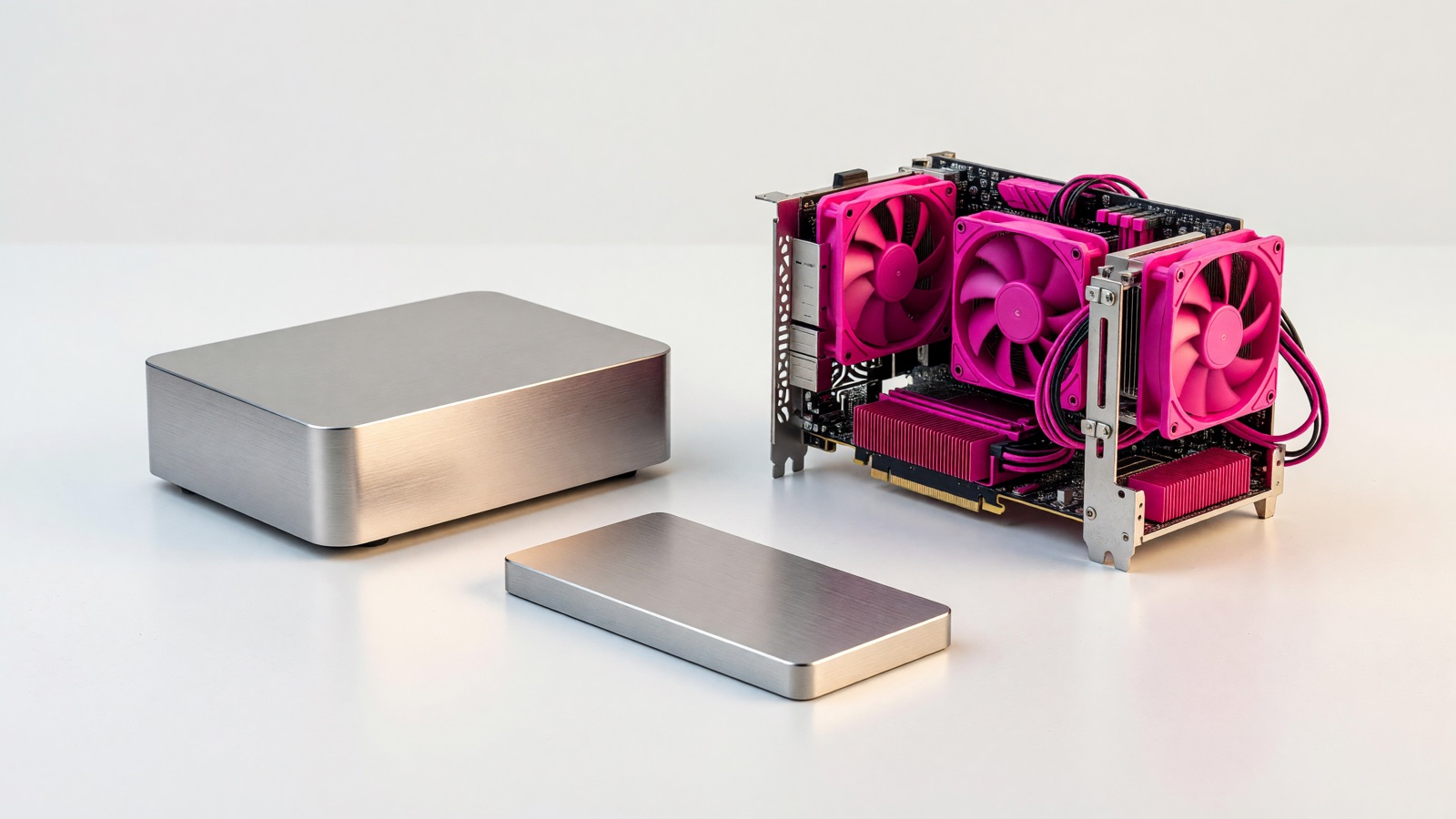
A cheap range extender sits between the router and the dead room and rebroadcasts what it hears. CableLabs measured this in a house in 2016 and had to define the words first, because the industry mixes them. They called a repeater a box with one radio and one channel. That radio has to talk to the router and to your laptop on the same air, so the data is on the channel twice. They called an extender a box with two or more radios, so one radio can face the router while another faces you.
How-To Geek’s February 2026 piece on these plug-in boxes is blunt about the cheap ones. Many older and budget units receive and transmit at the same time on the same radio, which cuts available bandwidth in half. When they walked through turning an old router into a repeater, they told readers to expect roughly half the bandwidth of the main network, plus extra latency. One radio cannot listen and talk on the same channel at once.
CableLabs published signal numbers from that house. A single access point covered the interior at -67 dBm or better. Add their dual-radio extender and the worst indoor reading improved to -50 dBm, 17 dB better. Add the single-radio repeater and the worst indoor reading was -58 dBm, 11 dB better. Throughput in the extended spots was better with the dual-radio box, because it did not time-share one channel for both hops.
The bars on the phone are not the speed. The extender worked if the room that had nothing now has something. It failed if you needed that something to be as fast as the living room.
| Setup in CableLabs’ 2016 house test | Worst indoor RSSI | Versus the AP alone |
|---|---|---|
| Access point only | -67 dBm or better | Baseline |
| AP plus dual-radio extender | -50 dBm | 17 dB better |
| AP plus single-radio repeater | -58 dBm | 11 dB better |
Those figures are from one house and from off-the-shelf units of that year, not a 2026 Wi-Fi 7 chart.
Is the extender network the same network as my router?
Usually not, even when the name looks identical. The extender runs its own network and your phone decides for itself which box to hold on to, which is why a device can sit on the weak one all evening without telling you.
TP-Link’s own FAQ is useful here because they sell both routers and extenders. If you leave the defaults, the extender either copies the router name or appends _EXT. The example they give is a router called TP-Link_Router and an extender called TP-Link_Router or TP-Link_Router_EXT. If the names match, your phone’s Wi-Fi list shows one network. You still have two radios. You just cannot tell which one you joined.
Same name is not mesh. Your phone latches onto the first radio it liked and often stays there.
CableLabs watched this happen. In some spots in that house, the laptop connected to the repeater even though the main access point would have been faster. The client was picking by received signal strength, not by throughput. They wrote that the client has few ways to know which node is actually better, which is why the access points need to coordinate.
People still “fix” a dead bedroom by cloning the SSID, then wonder why a call drops in the hallway. The phone is clinging to the extender through a wall because the icon has not gone empty yet. If the list shows a name ending in _EXT, treat that as a second network. Put the bedroom TV on it if you want. Do not expect the phone in your pocket to hop when you walk to the kitchen.
What does a mesh system do that an extender does not?
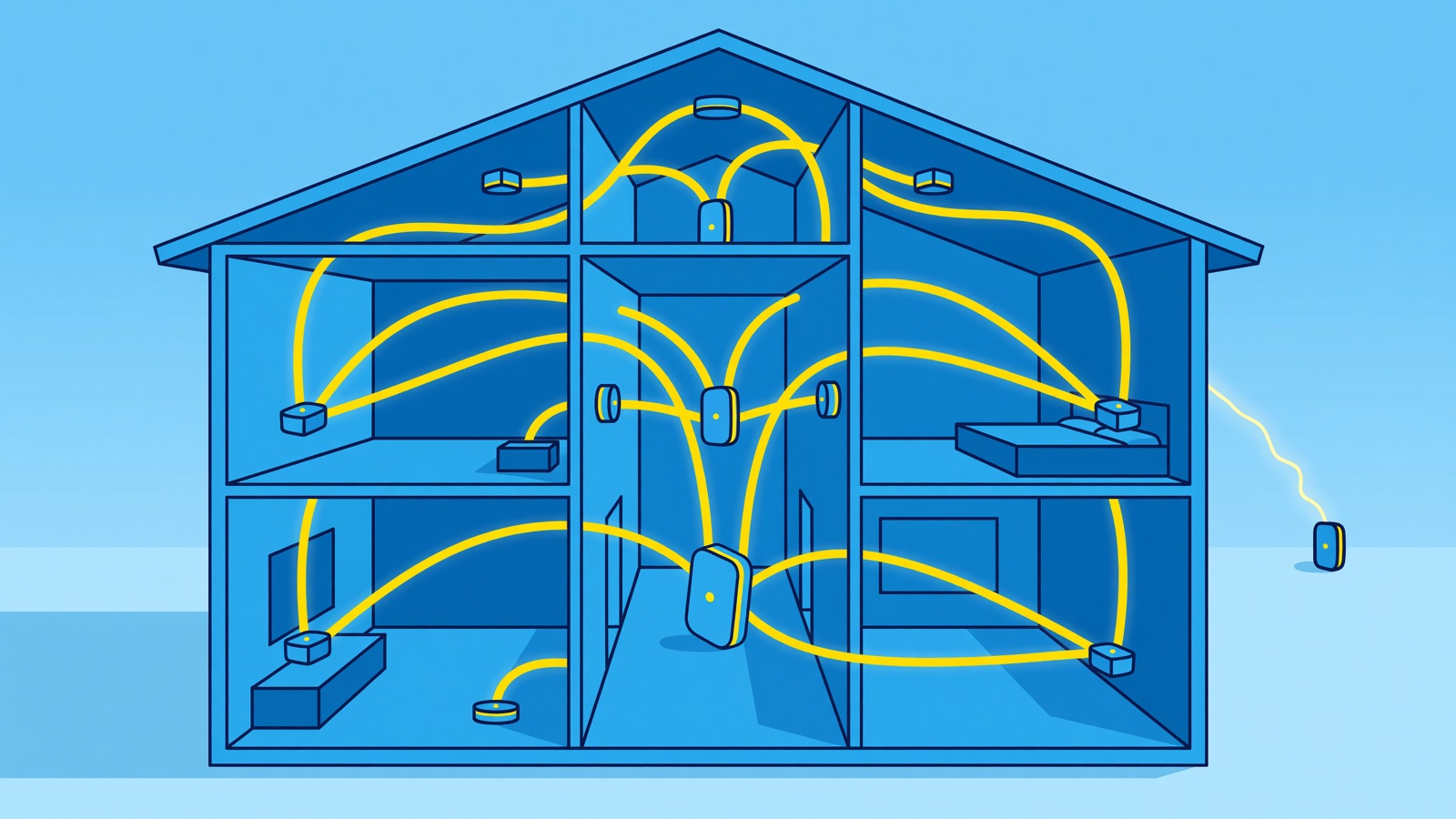
It runs several access points as one deliberate network, with a controller that can steer a device toward a better node instead of leaving the choice to the phone. Good kits also keep a separate radio for node-to-node traffic.
The Wi-Fi Alliance’s EasyMesh program is the standards version of that idea. Multiple APs form one network. The controller can guide a device toward a better AP. Certified controllers and agents from different vendors are supposed to interoperate, so you are not locked to one brand’s satellites on paper.
TP-Link, which sells EasyMesh gear, is more cautious in the fine print. Proprietary kits such as eero, Google Nest, and Netgear Orbi stay inside their own ecosystems. EasyMesh lets certified devices from different brands form one network, but same-brand setups still behave more predictably. Client steering exists in the spec. The timing is not identical across implementations, and mixed-brand roaming can feel less smooth. That is a vendor caveat, not a lab ranking.
The link between mesh nodes is the backhaul. How-To Geek’s useful point: a dedicated wireless backhaul keeps a separate band for node-to-node talk, so your laptop is not competing with that private conversation. A wired Ethernet backhaul is better still. A single-radio repeater has no such lane.
If you already have a spare router and an Ethernet run, How-To Geek’s advice is to put the old box in access point mode on a cable. That extends coverage without the half-bandwidth hit of a wireless repeater. ASUS calls the same-brand version AiMesh. TP-Link calls theirs EasyMesh. The useful part is the cable.
| Piece of the system | Cheap wireless repeater | Dual-radio extender | Mesh kit or EasyMesh |
|---|---|---|---|
| How it talks to the router | Same radio, same channel (CableLabs) | Separate radio for the router link (CableLabs) | Dedicated backhaul radio or Ethernet (How-To Geek, Wi-Fi Alliance) |
| Speed cost | Traffic occupies the air twice; How-To Geek: roughly half | Better than a single-radio repeater in CableLabs’ house | Built so client traffic and node-to-node talk are not the same hop |
| What your phone sees | Often _EXT, or a copy of the router name (TP-Link) |
Same risk if you clone the SSID | One SSID; the controller is supposed to steer clients |
| Who picks the radio | The phone, usually by signal strength (CableLabs) | Same, unless the pair supports a mesh mode | The point of EasyMesh is that the network helps pick |
Should I buy mesh or a range extender?
One or two adjacent dead rooms is an extender job. Several dead zones, or a large floor plan, is a mesh job. Replacing an old router is worth pricing before either, because it sometimes solves the problem on its own.
Wirecutter’s extender guide says to try an extender only if one or two adjacent rooms are dead and you already like the router you have. Several dead zones, spend on mesh. In a separate house test they found a standalone router was as good as mesh in a compact home around 2,300 square feet. Past about 3,000 square feet, they pointed people at mesh. That is one editorial team’s floor plans, not a law of physics. Brick and a router stuffed in a TV cabinet will wreck a small apartment just as well.
I would not buy mesh because a listing promised 5,000 square feet. I have not verified those coverage claims.
The useful test is boring. Plug Ethernet into the router and run a speed test. Then stand where you actually sit and run it on Wi-Fi. If the cable is fast and only the far room is slow, you have a coverage problem, not an ISP problem. If that room is the only failure, and you can place an extra box where it still hears the router clearly, a dual-radio extender or an old router in AP mode is the smaller fix.
If you walk a call from the kitchen to the office and it dies on the stairs, you do not have one dead corner. You have a roaming problem. Mesh, or wired access points, is the tool for that.
Renters with one bad room and no cable are who the plug-in box was invented for. If it created _EXT, keep the bedroom devices on that name. Do not expect a clean handoff.
Is a cable still better than mesh?
Yes. A mesh kit with wireless backhaul is still radio passing through walls, so it loses some throughput and adds some latency compared with a wire. The penalty is far smaller than a single-radio repeater, but it is not zero.
How-To Geek is the source for that: even good mesh gives up throughput and adds latency on a wireless node-to-node link compared with a cable. Whether you notice depends on what happens in the far room. A stream will absorb it. A video call on a node sitting two hops from the router is where it shows up, as a face that freezes mid-sentence rather than as a number in a speed test.
If you can fish one Ethernet line to the far end of the house, a wired access point or a mesh node on Ethernet will beat a wireless extender in that room. You keep the router. You do not split the channel.
I have not priced 2026 kits for this draft. Review roundups often quote extenders in the tens of dollars and mesh three-packs in the low hundreds. Treat those ranges as unverified here. Wirecutter has said good mesh starts just above $180. I have not confirmed that is still the shelf price today.
Ask whether the extra box talks to the router on its own radio, whether your phone sees _EXT, and whether you can run a cable. One room with a healthy signal at the plug is an extender or an access point. The whole floor is mesh or wired APs. The cheap box that fixed the icon without fixing the call is doing what a repeater is built to do.
Frequently asked questions
Does a range extender really halve your speed?
How-To Geek notes that cheaper Wi-Fi-only repeaters cut bandwidth roughly in half, because one radio has to receive and transmit at the same time.
Why does my phone hang on to the weak network?
CableLabs’ house test found clients sometimes joined the repeater when the access point would have been faster, because the decision is made on signal strength rather than on throughput.
Is mesh worth it in a small apartment?
Probably not. Wirecutter found a standalone router was often as good as mesh in a compact home around 2,300 square feet, and points to mesh above roughly 3,000 square feet.