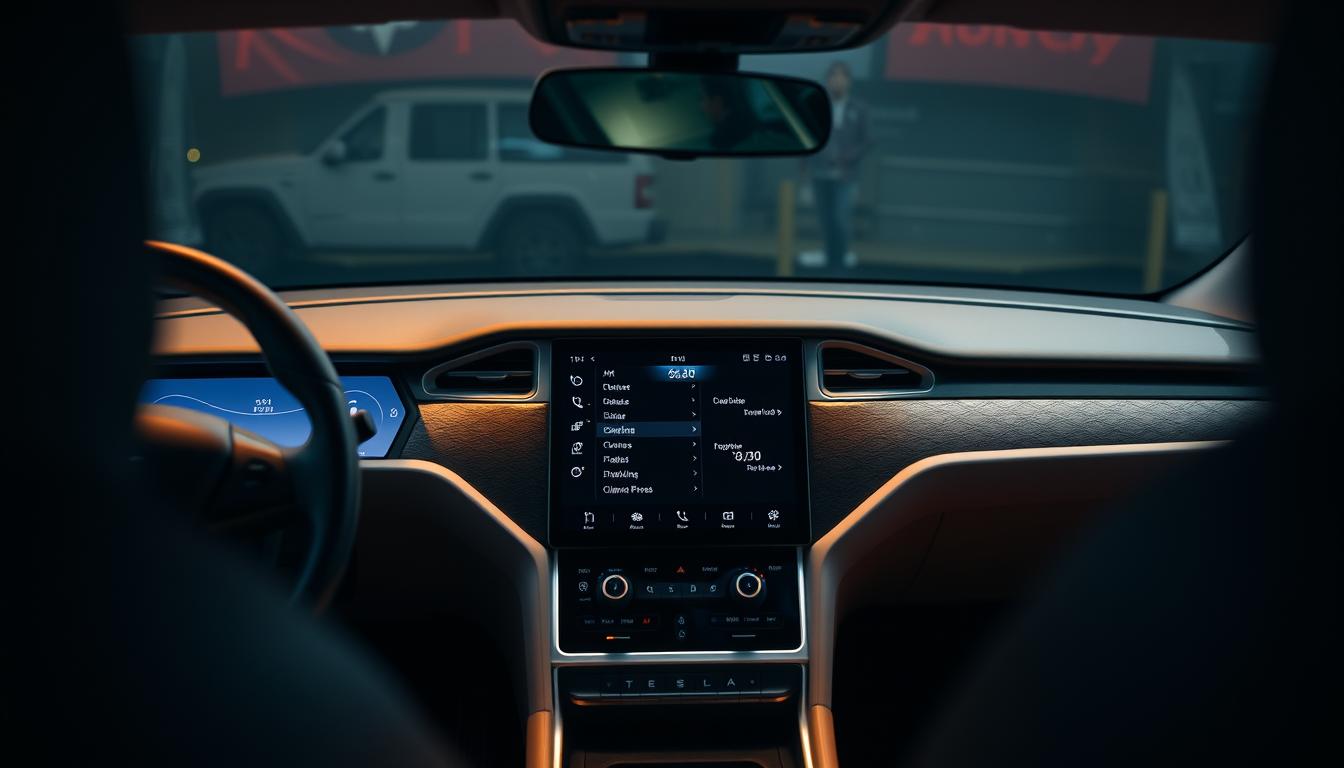
When it comes to modern electric vehicles, maintaining comfort while preserving battery life is a top priority. The climate control system in Tesla models is designed to keep the cabin at the perfect temperature without significantly impacting the vehicle’s range. This smart system adapts to changing conditions, ensuring you stay comfortable on the road.
One of the standout features is the ability to set your preferred temperature using the car’s touchscreen or mobile app. Whether it’s a hot summer day or a chilly winter morning, the system works efficiently to heat or cool the cabin. Advanced modes like Dog Mode and Camp Mode provide added convenience, allowing you to keep the interior comfortable even when you’re not in the car.
By optimizing settings like fan speed and seat heating, you can further reduce energy consumption. This article will guide you through practical tips to maximize comfort while keeping your battery in top shape. Stay tuned for detailed insights on how to make the most of your vehicle’s climate features.
Key Takeaways
- Smart climate systems adapt to changing temperatures for optimal comfort.
- Advanced modes like Dog Mode and Camp Mode enhance convenience.
- Optimizing fan speed and seat heating can save energy.
- Preconditioning the cabin while plugged in helps preserve battery life.
- Monitoring battery usage ensures efficient performance on the road.
Understanding Tesla’s Climate Control System
Managing your car’s interior temperature has never been easier with Tesla’s smart controls. Located at the bottom of the touchscreen, the climate control system offers a range of options to keep the cabin comfortable. From adjusting the temperature to regulating airflow, everything is just a tap away.
The Auto mode is a standout feature, adapting to weather conditions to maintain the perfect balance. Whether it’s a hot summer day or a chilly winter morning, the system adjusts fan speed and airflow automatically. This ensures you stay comfortable without constantly tweaking settings.
For added convenience, the system includes seat and steering wheel heating. These features are especially useful during colder months, providing warmth where you need it most. You can adjust the intensity of seat heating in three stages, making it easy to find your ideal setting.
Defrosters for the windshield, rear window, and side mirrors are also part of the package. These ensure clear visibility in all weather conditions, enhancing safety on the road. Together, these features create a user-friendly experience that prioritizes both comfort and energy conservation.
By optimizing settings like fan speed and seat heating, you can reduce energy consumption while maintaining a comfortable cabin. This not only enhances your driving experience but also helps preserve the vehicle’s battery life. Tesla’s climate system is designed to make every journey enjoyable and efficient.
Core Benefits and Innovative Features

Modern electric vehicles are redefining comfort with advanced temperature management systems. These systems ensure the cabin stays at the perfect temperature while optimizing energy use. Whether it’s a hot summer day or a chilly winter morning, you’ll always feel at ease.
One standout feature is the integration of controls into the touchscreen. This allows you to adjust settings like fan speed and seat heating with just a tap. The system also includes automatic adjustments, adapting to weather conditions for a seamless experience.
Safety is another key benefit. Features like defrosters for the windshield and rear window ensure clear visibility in all conditions. This enhances your safety on the road, especially during harsh weather.
Innovative design elements, such as the heater for the steering wheel, add extra comfort during colder months. These features not only improve your driving experience but also help preserve the vehicle’s battery life.
With advanced modes like Dog Mode and Camp Mode, you can keep the interior comfortable even when you’re not in the car. These features make Tesla a leader in climate innovation, offering both convenience and energy savings.
Mastering tesla climate control efficiency
Balancing cabin comfort with energy conservation is essential for a smooth driving experience. With the right adjustments, you can enjoy a cozy interior without sacrificing your vehicle’s performance. Here’s how to make the most of your car’s smart features.
Start by accessing the climate settings on the touchscreen. This interface allows you to set precise temperatures and adjust fan speed for optimal airflow. For example, lowering the fan speed during mild weather can save energy while keeping the cabin comfortable.
Another tip is to use seat and steering wheel heating instead of relying solely on the HVAC system. These features consume less energy and provide targeted warmth during colder months. Adjusting these settings can help maintain a comfortable environment without overworking the battery.
Monitoring energy consumption is also crucial. The touchscreen displays real-time data, allowing you to see how different settings impact your car’s range. This way, you can make informed decisions to balance comfort and efficiency.
Here’s a quick guide to optimizing your climate settings:
| Setting | Benefit |
|---|---|
| Lower Fan Speed | Reduces energy use while maintaining airflow |
| Seat Heating | Provides warmth with minimal battery drain |
| Preconditioning | Heats or cools the cabin while plugged in |
| Auto Mode | Adapts to weather conditions for optimal comfort |
Experiment with different combinations to find what works best for you. By mastering these settings, you can enhance your driving experience while maximizing your car’s range.
Customizing Your Climate Settings for Maximum Comfort
Personalizing your car’s interior environment is key to a comfortable drive. With the touchscreen, you can easily adjust settings to match your preferences. Start by setting the perfect temperature for your cabin. This ensures you stay cozy without overworking the system.
Next, tweak the fan speed to regulate airflow. Lower speeds save energy, while higher speeds quickly cool or heat the space. For colder days, activate the seat heating in three adjustable stages. This provides targeted warmth without relying heavily on the HVAC system.
Don’t forget about the defrosters. These features clear the windshield and rear window, ensuring clear visibility in all conditions. You can also turn the air conditioning on or off with a single tap, making it easy to adapt to changing weather.
Here’s a quick guide to optimizing your settings:
- Set the temperature to your preferred degree for instant comfort.
- Adjust fan speed to balance airflow and energy use.
- Use seat heating for targeted warmth during cold drives.
- Activate defrosters for clear visibility in harsh weather.
By mastering these adjustments, you can create a tailored environment that enhances your driving experience. Whether it’s a quick trip or a long journey, these tips ensure your cabin stays comfortable while preserving your vehicle’s battery life.
Exploring Specialized Climate Modes

Tesla’s specialized climate modes offer unique solutions for keeping the cabin comfortable in various situations. These modes are designed to adapt to specific needs, whether you’re leaving a pet in the car or planning a camping trip. Let’s dive into the functionalities and benefits of these innovative features.
One of the most popular modes is Keep Climate On. This setting maintains the temperature inside the vehicle even when you’re not driving. It’s perfect for short stops, ensuring the cabin stays cozy without restarting the system every time.
Dog Mode is another standout feature. It keeps the cabin at a comfortable temperature while displaying a message on the screen to let others know your pet is safe. However, it’s not recommended for extended periods, as it can drain the battery over time.
For outdoor enthusiasts, Camp Mode is a game-changer. This mode maintains airflow and temperature control, making it ideal for overnight stays. It also powers the HVAC system efficiently, ensuring minimal energy use.
Here’s a quick comparison of these modes:
| Mode | Use Case | Energy Impact |
|---|---|---|
| Keep Climate On | Short stops | Moderate |
| Dog Mode | Pet safety | High (short-term) |
| Camp Mode | Overnight stays | Low |
Each mode includes safety and monitoring features. For example, Dog Mode displays the temperature on the screen, while Camp Mode ensures consistent airflow. Understanding these modes helps you make the most of your vehicle’s climate control system.
Practical scenarios include leaving a pet in the car briefly or enjoying a camping trip without worrying about the cabin environment. By using these modes wisely, you can enhance comfort while preserving your vehicle’s battery life.
Ensuring Safety with Cabin Overheat Protection
Safety is a top priority in modern vehicles, and Tesla’s Cabin Overheat Protection ensures your car stays safe in extreme heat. This feature automatically activates when the interior temperature exceeds 40°C (104°F), preventing dangerous heat buildup. It’s a smart way to protect both passengers and pets.
The system offers three settings: On, No A/C, and Off. When set to On, the air conditioning cools the cabin to a safe level. The No A/C option uses the fan to circulate outside air, saving energy while still reducing heat. Turning it Off disables the feature entirely.
Cabin Overheat Protection remains active for up to 12 hours or until the vehicle’s battery drops below 20%. This ensures long-lasting safety without draining the battery excessively. You can monitor the interior temperature remotely using the Tesla app, giving you peace of mind even when you’re away from the car.
This feature is especially useful during hot summer days or when leaving pets in the vehicle for short periods. By preventing excessive heat, it enhances safety and comfort. Tesla’s commitment to safety-first design makes this feature a standout in modern vehicles.
Here’s a quick overview of the settings:
- On: Activates the air conditioning to cool the cabin.
- No A/C: Uses the fan to circulate air without cooling.
- Off: Disables the feature entirely.
By understanding and using Cabin Overheat Protection, you can ensure your car stays safe and comfortable in extreme conditions. It’s a simple yet effective way to prioritize safety while optimizing energy use.
Energy Optimization Tips for Every Tesla Driver
Small adjustments to your car’s settings can lead to significant energy savings. By making a few changes, you can extend your vehicle’s range while keeping the cabin comfortable. Here are some practical tips to help you get started.
First, monitor your energy usage through the Tesla app. This tool provides real-time data on how different settings impact your battery. For example, lowering the fan speed or reducing the temperature can save energy without sacrificing comfort.
Regular maintenance is also essential. Clean the ventilation slots and check the HEPA filter to ensure your HVAC system runs efficiently. A well-maintained system uses less energy, which helps preserve your battery life.
Adjusting settings can make a big difference. Use seat heating instead of the air conditioning during colder months. This targeted approach consumes less energy while keeping you warm. Additionally, disable unnecessary features like Sentry Mode when optimizing your climate settings.
Planning your trips can also help. Precondition your vehicle while it’s plugged in to save battery power. This is especially useful in extreme weather, as it reduces the need to heat or cool the cabin while driving.
Here are some quick tips to balance comfort and energy use:
- Lower the fan speed during mild weather.
- Use seat heating instead of the HVAC system.
- Disable Sentry Mode when not needed.
- Precondition your car while plugged in.
By following these tips, you can enhance your driving experience while maximizing your vehicle’s range. For more insights on extending your EV’s range, explore additional strategies tailored to your needs.
Final Insights on Tesla Climate Control and Range Management
Mastering your vehicle’s settings can significantly enhance both comfort and performance. By optimizing features like fan speed and temperature, you can create a balanced environment that conserves energy while keeping the cabin cozy.
Understanding specialized modes, such as Dog Mode and Camp Mode, adds convenience for various scenarios. These features ensure your car remains comfortable, even when you’re not driving. Safety features like Cabin Overheat Protection further enhance peace of mind in extreme conditions.
Experimenting with settings and using the app for real-time monitoring can help you find the perfect balance. Small adjustments, like using seat heating instead of full cabin heat, can make a big difference in energy use.
Ultimately, smart usage of your vehicle’s systems ensures a premium driving experience. By combining comfort with energy conservation, you can maximize both performance and range, making every journey enjoyable and efficient.