Meet in daylight, hold the phone, and do three things before you pay: match the IMEI to a blacklist lookup, confirm there is no Apple or Google account lock, and test the screen, cameras, and charging. Listing photos do not prove any of that. Walk if the seller blocks those checks.
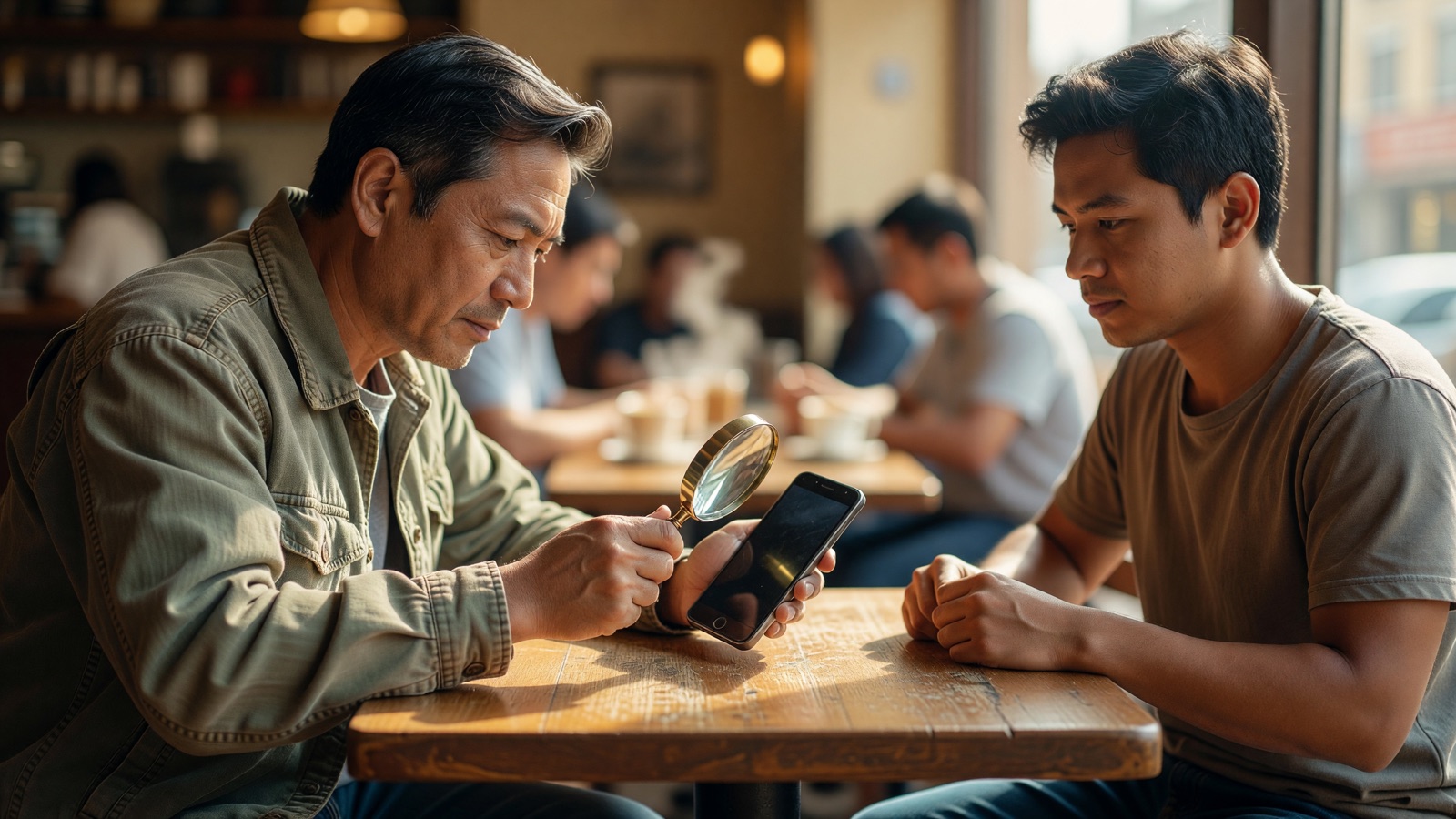
The usual meeting is a parking lot or a cafe table. The ad said “like new,” the price sits well under a carrier store, and the seller mentions another buyer who is “on the way.” That hurry is doing work. People skip the boring checks because they feel rude. The expensive failures are the boring ones: a blacklisted IMEI, an iCloud lock, a Google account still tied to setup, a pack that dies at lunch, a Face ID module that never belonged to this board.
This is for a private sale. Apple’s own refurbished shelf is a different product. A carrier-certified unit still deserves a look. A stranger with a grocery bag deserves the full list.
What should I check first when the used phone is in my hands?
Identity, then locks, then the screen. Confirm the model, storage, and color match the listing. Dial *#06# and write the IMEI down. If that number does not match the SIM tray, the box, or Settings, stop. Scratches can wait ten minutes.
I have watched buyers fall for mint back glass and never open Settings. The glass is the cheap part of the story. Apple’s Activation Lock page is blunt about used iPhones: do not take the device until it is erased and off the previous owner’s account. Android has the same class of trap after a reset.
Bring your own SIM if the phone uses one, a cable you already trust, and a power bank. Android Authority’s used-phone walkthrough still tells people to pack those. A seller’s cable can hide a dead port. Your SIM tells you whether the radios work on a network you actually use.
Look at the frame in daylight, not under a porch bulb. Uneven gaps, a lifted screen, a camera bump that sits crooked, or a back that will not lie flat can mean a drop or a cheap housing. Lint in the charging port is ordinary. Green crust is not.
If the seller will only hand you the phone inside a case and flinches when the case comes off, that is data. Cases hide edge cracks.
How do I check if a used phone is stolen or blacklisted?
Dial *#06#, copy the IMEI, and run it through a blacklist lookup plus your carrier’s BYOD checker before money moves. Compare that number with Settings, the SIM tray, and any box. A mismatch is enough reason to leave. A “clean” result is one database on one day, not a title.
Carriers can refuse service to an IMEI reported lost, stolen, or unpaid. The phone can still boot, join cafe Wi-Fi, and open Instagram. That is why a Wi-Fi demo is a weak test. Swappa’s inspection guide treats IMEI status as part of the buy, and their lookup is one of the tools U.S. buyers actually use.
I would not buy from someone who withholds the IMEI until after you pay. Screenshots can be old. Do *#06# on the unit in your hand.
Lookups disagree. One site clean and another flagged is a pause. Financing locks are a separate mess: the phone works until the original payment plan blows up, then the IMEI gets blocked. If the seller is still paying it off, you are buying their bill.
Keep the number. If service dies a week later, you have something to show the marketplace. I am not a lawyer. The IMEI is still the only durable ID most phones expose.
| Lookup result | What it usually means | Keep going? |
|---|---|---|
| Clean IMEI | Not flagged on that database today | Yes, still do lock and hardware checks |
| Blacklisted | Reported lost, stolen, or unpaid | No |
| Financing / unpaid balance | Can be blocked later | No unless payoff is documented |
| Carrier locked | Tied to one network | Only if that network is yours or unlock is real |
| IMEI not found | Possible fake or cloned identity | No, unless you can prove the model another way |
Databases lag. A phone can check clean at noon and get reported at 3 p.m.
How do I know a used iPhone or Android is not account-locked?
On iPhone, you want the Hello screen after a full erase, with no prompt for the previous Apple Account. On Android, you want setup that never asks for the old Google Account. A home screen full of the seller’s apps is not a clean handoff. It means they have not finished.
Apple writes the used-iPhone rule in one sentence:
“Don’t take ownership of any used iPhone or iPad if it’s protected by Activation Lock.”
If you wake the phone and see “iPhone Locked to Owner,” the meeting is over. A factory reset does not remove Activation Lock. The previous owner has to take it off Find My, or Apple has to review proof of purchase that you probably do not have.
Watch them erase it. Then start setup yourself. Apple names the ready state:
“A device is ready for you to use when you see the Hello screen.”
If setup asks for their Apple Account, hand it back. Remote removal exists, but it requires them. Cash first, remote later is how people get a paperweight.
Android’s version is factory reset protection. Google’s device-protection page does not soften the failure:
“If you can’t give this information during setup, you won’t be able to use the device at all after factory reset.”
“This information” is the old Google Account or the screen lock that was on the phone. A seller who already “reset it for you” and then cannot sign in is not doing you a favor. Ask them to remove the account, reset it in front of you, and let you finish setup with your own account before you pay.
A passcode lock screen means the phone is not erased. Apple says not to take ownership until it is. Same instinct on Android.
| Lock | Where it bites | Pass | Fail |
|---|---|---|---|
| iPhone Activation Lock | Setup, or a Locked to Owner screen | Hello screen, your Apple Account | Previous owner’s Apple Account prompt |
| Android device protection | Setup after reset | Your Google Account only | Old Google Account, or no way past it |
| Seller passcode still on | First unlock | They erase it in front of you | They know the PIN but will not wipe |
Losing a “deal” beats arguing with Apple Support from a receipt that has someone else’s name on it.
What battery health number is acceptable on a used phone?
On iPhone, open Settings, Battery, Battery Health and read Maximum Capacity. Apple designs older packs to hold 80 percent of original capacity at 500 cycles in ideal conditions, and iPhone 15 packs at 1,000. A listing with no screenshot is a shrug. Android often has no single official percentage, so you charge it and watch heat.
Apple’s iPhone battery page is a design target, not a used-market grade:
“Batteries of iPhone 14 models and earlier are designed to retain 80 percent of their original capacity at 500 complete charge cycles under ideal conditions.”
The same page says iPhone 15 packs are designed for that 80 percent line at 1,000 cycles. Eighty percent after years of use can be ordinary. The same number after six months of “light use” is a different conversation. Do not treat 92 percent as magic. Controllers lie. A pack that shuts down at 20 percent during the meeting is failing even if the badge looks polite.
Android paths wander. Some Samsung menus show a health line. Pixels bury wear. Third-party apps exist. I have not audited AccuBattery against a lab pack on a named 2026 phone, so any app percentage here is unverified unless you see it on the unit.
Do the dumb test. Plug in your cable. Confirm it charges. Feel the back. A swollen pack that rocks on a table fails at any percentage.
| What you can see | Treat as | Why |
|---|---|---|
| iPhone Maximum Capacity with a screenshot | Usable data | Apple exposes the number |
| iPhone 14 and earlier near 80% | Expected wear if cycles are high | Apple: 80% at 500 cycles, ideal conditions |
| iPhone 15 near 80% | Expected wear if cycles are high | Apple: 80% at 1,000 cycles, ideal conditions |
| iPhone with no Battery Health screen | Pause | You cannot price the pack |
| Android with no OEM health number | Unverified as a percent | Charge test matters more |
| Any phone with a swollen back | Fail | Safety, not a bargain |
Cycle count on iPhone moves around in Settings depending on iOS version. I am not pinning a 2026 menu path I have not opened on a named unit this session. Ask for Maximum Capacity. That is the field Apple documents for users.
Which used-phone tests can I finish in ten minutes?
Screen, touch, cameras, mics, speakers, buttons, ports, biometrics, Wi-Fi, and a call on your SIM. Swappa lines those up as the expensive parts. You do not need a shop. You need a quiet corner and the nerve to look slow.
Open a white wallpaper or a blank note. Dead pixels and blotches show. Open black. Glow and burn-in show, especially a keyboard ghost on OLED. Draw a continuous line around the edges. Dead zones hide in the last centimeter, where thumbs actually live.
Every camera lens, front and back. One still in daylight, one under the cafe lights, then a short video. Listen to the video. A dead mic is easy to miss if you only shoot photos. Autofocus that hunts forever is a repair. A speck behind the glass is dust in the module, not a smudge you can wipe.
Play a song. Cover the earpiece, then the bottom speaker. Record a voice memo. If you have a SIM, call your other phone or voicemail. The screen should blank against your cheek. If it does not, you will hang up with your ear.
Buttons should click. A mushy side button is a future repair. The SIM tray should seat. The charging port should grip the cable. Wiggle it. Charge should not cut.
Face ID or fingerprint: add a face or a finger. If setup errors out, stop. On many iPhones a Face ID failure is not a settings toggle. It is a part that may refuse to pair after a third-party screen.
Join the cafe Wi-Fi. Pair Bluetooth to a bud or a watch if you have one. Maps is a crude GPS check, but the blue dot should find the table.
Water indicators, if you can see them without prying, are a clue. I am not telling you to open the phone.
Ten minutes feels long when someone is hovering. That is why you meet at a table, not through a car window.
What else do people ask before buying a used phone?
Can I skip the IMEI check if the phone makes a call?
No. A call on the seller’s SIM only shows that this network accepts this IMEI today. It can still be reported later, or fail on your carrier. Dial *#06#, run a lookup, and use your own SIM. A working call is one radio test. It is not ownership.
Is a cracked screen always a deal-breaker?
Not if the price already assumes a replacement and every other check passes. Cracks spread. Water gets in. Touch can die along the fracture. I would rather a scuffed frame and a perfect panel than a cheap glass lottery. Price the repair before you fall for the camera.
Should I buy refurbished instead of a private listing?
If you want a return window, often yes. Apple and the big carriers sell refurbished units with a policy you can read. A private seller is a person. Some are fine. Some vanish. The checklist above is for the person. It is extra, not optional, when there is no store to walk back into.
What if the seller already reset the phone and left?
Do not pay. You need them for Activation Lock or Google account removal. Remote removal is possible for iPhone if they still control the Apple Account. Hoping they will do it after cash is how people end up with a Hello screen that never becomes theirs.