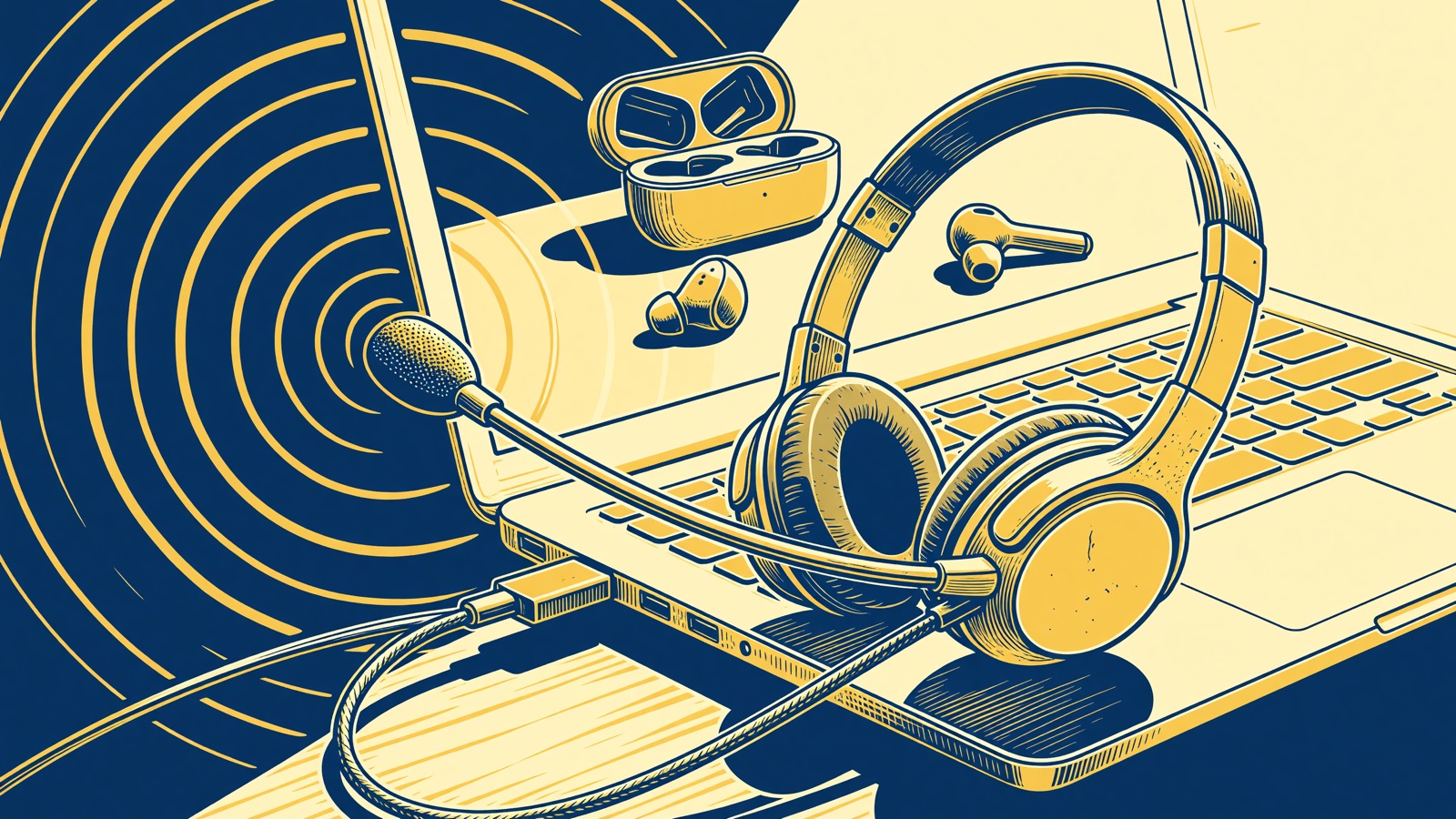
Use a wired USB or 3.5mm headset when the other person keeps asking you to repeat yourself. Bluetooth buds sound fine until the microphone turns on, then most pairs drop into a compressed hands-free profile. Keep wireless for walking around the house. Plug in for the client call.
The 10:14 standup is going fine until your name comes up. You answer. Three faces freeze. Someone types in chat: audio is crunchy. You were not walking. The dishwasher is off. The buds that sounded expensive during a podcast now sound like a lobby phone. That gap is the whole comparison.
Why do Bluetooth headphones sound worse the moment a call starts?
Yes, and it is usually the Bluetooth profile, not a broken earbud. Music rides a one-way stereo pipe. A call needs your microphone too, so the headphones switch into hands-free mode and squeeze both directions through a thinner codec. Voices flatten. Your own sidetone can feel late.
MakeUseOf’s Shimul Sood ran into this on a pair that was otherwise fine for gym playlists and laptop music. She wrote: “The moment you join a call, Bluetooth switches to hands-free mode to use the microphone. And that switch changes everything.” The next paragraph is the mechanism, not a vibe: “In call mode, a portion of the bandwidth is reserved for the mic, which means the audio has to be compressed. That’s why voices start sounding flat, and sometimes even slightly muffled.”
BGR names the two pipes. “When you are listening to something or watching a video, the A2DP profile is used by default, but when on a call, it automatically switches to HSP/HFP. This also means that the audio switches from stereo to mono, disabling any spatial effects.” If you have ever watched a Zoom gallery go from “album-quality hold music” to “tin can” the second you unmute, that is the switch. The drivers in the cups did not suddenly get worse. The radio changed jobs.
The Bluetooth SIG’s Hands-Free Profile 1.9 is the paperwork behind that job. Narrowband still uses CVSD. Wideband, when both ends agree, is speech at 16 kHz with mSBC. Super wideband in 1.9 is 32 kHz with LC3-SWB. The spec says: “Where “Wide Band Speech Connection” is said, it means a Codec Connection where the media being transported consists of encoded frames derived from speech (or other audio) sampled at 16 kHz.” Sixteen kilohertz is a phone call with a little extra air, not the podcast you were just hearing.
Windows shows the split. During a Teams meeting you often get two devices with almost the same name: a stereo headset and a Hands-Free endpoint. Zoom grabs Hands-Free because that path has a microphone. People then hunt for an equalizer. The equalizer is not the problem.
Latency is easier to overclaim. SoundGuys put a number on perception, not on your pair: “Above 150ms becomes quite noticeable.” They wanted consumer Bluetooth under 100 ms. Android Authority still puts SBC “in the region of 100-200ms.” Those figures are mostly playback delay. Call delay is the profile plus the meeting app plus the network. If lips drift, unplug before you reboot the router.
Is a wired headset actually clearer on Zoom and Teams?
Usually, yes, if the microphone sits near your mouth. A boom-mic USB headset does not fight Bluetooth for bandwidth. A cheap 3.5mm pair with an inline mic still sends voice without that hands-free squeeze. The cable is ugly. The other person stops saying you are breaking up.
Sood kept a wired pair in her bag for the calls that mattered. “There’s no Bluetooth switching modes, bandwidth juggling, and sudden drop in quality when a call starts. It’s a direct connection, so the audio stays consistent, whether I’m listening or talking.” Yank the buds off, say the same sentence on the laptop mic, and you sound like a person again. The laptop mic never changed codecs mid-sentence.
USB and analog are not the same jack. A USB headset carries its own converter. A 3.5mm combo jack uses whatever analog circuit the laptop vendor shipped, and some thin Windows machines still wire that jack as headphones-only. If the inline mic stays dead, the port is the reason, not Zoom.
Microsoft treated wired as the call-quality default for years. Lifehacker’s write-up of the Windows LE Audio work repeats the old rule: HFP “supports microphone usage, but drops the audio quality and downgrades it to mono.” Teams Spatial Audio used to be a wired-headset trick. Wireless only got there once the PC and the headphones both spoke LE Audio and kept stereo while the mic was live. If your docked laptop still pairs as classic Bluetooth, you are on the old rule.
A USB microphone plus any headphones is the other move. You listen on whatever you like. They hear the mic aimed at your mouth. BGR describes the cheap version: point Zoom at the laptop mic so the buds can stay on the stereo path. It works until the fans spin up. Then you hear why office headsets grew boom mics.
| Path | What the other person is hearing | What you give up |
|---|---|---|
| USB headset with a boom mic | Headset ADC, mic next to the mouth, no Bluetooth call profile | A cable on the desk |
| 3.5mm earbuds with an inline mic | Analog to the laptop codec, if the jack carries a mic | Some laptops have no mic on that jack |
| Bluetooth buds, mic and speakers together | HFP or HSP on most phones and older PCs; quality depends on codec negotiation | Stereo music path, some battery, some 2.4 GHz drama |
| Bluetooth speakers plus laptop or webcam mic | You keep A2DP-style listening; they hear the other mic | Fan noise, room echo, whoever is in the kitchen |
The boom mic wins on a noisy call because it is close, not because copper is morally better than radio.
How long do Bluetooth earbuds last on calls versus music?
Calls drain Bluetooth earbuds faster than playlists. Sony’s WF-1000XM6 lists a maximum of five hours of communication with noise canceling on, against eight hours of AAC music with the same setting. If your calendar is back-to-back from 9 to 4, the case becomes part of the meeting.
Those hours are Sony’s, from the WF-1000XM6 help guide and the US spec sheet. The spec line is blunt: “BATTERY LIFE (CONTINUOUS COMMUNICATION TIME) Max. 5 hrs (NC ON) / Max. 5.5 hrs (NC OFF).” Music is the number on the box. Communication is the workday.
| WF-1000XM6 use (Sony) | Noise canceling | Max hours |
|---|---|---|
| AAC or SBC music | On | 8 |
| AAC or SBC music | Off | 12 |
| LDAC music | On | 5 |
| Call / communication | On | 5 |
| Call / communication | Off | 5.5 |
Tshaka Armstrong at Android Central parked the XM6 for three weeks of wired IEMs and hit the same split: five hours of communication with noise canceling on, eight hours for other uses. He also had to buy a cable with a microphone. A music IEM is a speaker until that mic exists.
I would not treat five hours as a lab measurement of your Tuesday. Sony’s help guide says equalizer extras and real settings move the hours. A full day of calls is a charging-case day on flagship buds. A $20 USB office headset does not have that sentence. Cables still fail at the strain relief. There is just no battery to replace at 18 months.
USB-C, 3.5mm, or Bluetooth: which laptop jack should I use for calls?
USB-C is the least surprising jack on a modern laptop. Analog 3.5mm still works if the combo port actually carries a mic. Bluetooth is what you pick when you need to stand up. Check Zoom’s speaker and mic menus after you plug in. The app remembers yesterday’s earbuds.
A lot of recent Windows laptops shipped USB-C ports and no headphone jack. Wired then means a USB-C headset or a dongle that actually carries a mic. If the $8 adapter is headphone-only, you are back to the laptop mic.
Bluetooth on a laptop has an extra footgun. The machine may list LE Audio while the buds you own still do classic HFP. Microsoft’s communications table uses LC3 at 16, 24, or 32 kHz. That is better than old narrowband. It is still not the stereo music path. Lifehacker, summarizing Microsoft’s Mike Ajax, said TMAP wants 32 kHz super wideband with the microphone on, plus stereo while you talk. Both ends need the hardware, plus an updated Bluetooth audio driver. Plenty of PCs advertise Bluetooth LE and do not run LE Audio.
Multipoint adds another fight. The buds sit on your phone and your laptop. A cellular call can yank the profile while Zoom is still open. If your voice vanishes every time Slack rings on the phone, disconnect one device.
| Jack | Use it for calls when | Skip it when |
|---|---|---|
| USB-C / USB-A headset | You sit at the desk and want the mic to just work | You pace during 1:1s |
| 3.5mm headset | The laptop has a real combo jack, or you trust the dongle | The jack is headphones-only |
| Phone Bluetooth | You are walking, cooking, or on a cellular call | The other person has already asked you twice to repeat |
| Laptop Bluetooth | You already wear the buds and the call is casual | The Windows Hands-Free device sounds like a drive-through |
Pick the row that matches the next hour, not the row that matches the box in the drawer.
When should I still pick Bluetooth for a call?
Use Bluetooth when you walk during the call, jump between phone and laptop, or refuse to snag a cable on a water glass. The trade is dropout risk in a crowded 2.4 GHz kitchen and that hands-free quality drop. A USB dongle office headset is a different radio than phone Bluetooth.
The kitchen call is the honest test. You are stirring a pan. A cable would have been in the sauce. Bluetooth is why you can cook and still say “can we push this to Thursday.” If the other person is your boss’s boss, walk back to the desk and plug in.
Office DECT and 2.4 GHz dongle headsets are not AirPods-class Bluetooth. They still have batteries. They fail when the dongle falls under a monitor arm. They usually skip phone-call HFP because they were built as call headsets first. If a roundup says “wireless” without naming the radio, ignore it.
Sood did not throw her wireless pair away. She stopped expecting Bluetooth to do a job the profile was not built for. Wireless is how you live. Wired is how you sound on the record.
Frequently asked questions
Will turning off Hands-Free Telephony on Windows make Zoom sound better?
Sometimes, and then nobody hears you. Windows is listing two endpoints for the same buds. Uncheck Handsfree Telephony and the pretty stereo path can stay up, which is what BGR walks through. Zoom then needs another microphone. People do this, enjoy the music, and spend the next standup silently on video. If you disable it, pick a mic on purpose before you join.
Can I use Bluetooth for listening and a different mic for talking?
Yes on a laptop. Point the meeting app at the laptop mic, a webcam mic, or a USB mic, and leave the buds as speakers. That is the workaround that keeps A2DP-style listening alive. It falls apart on a phone, where the buds are usually both ends of the call, and it falls apart next to a loud fan. Try it once on a throwaway Meet before a performance review.
Do I need a boom microphone or will an inline mic do?
An inline mic is enough in a quiet room if it actually sits near your collarbone and the jack carries microphone bias. A boom mic is what you want when a dishwasher, a toddler, or an open office is in the same air as you. Distance beats codec arguments here. The $15 USB office headset with a stick in front of your mouth will beat expensive buds in that room.
Does Bluetooth LE Audio fix the muffled-call problem?
It can, if the PC and the headphones both run LE Audio and the OS keeps stereo while the mic is live. Microsoft’s TMAP work is aimed at that exact HFP hangover. A lot of earbuds in drawers still speak classic HFP only. Until both ends match, treat LE Audio as a spec on a product page, not as a promise about the pair you bought in 2023.