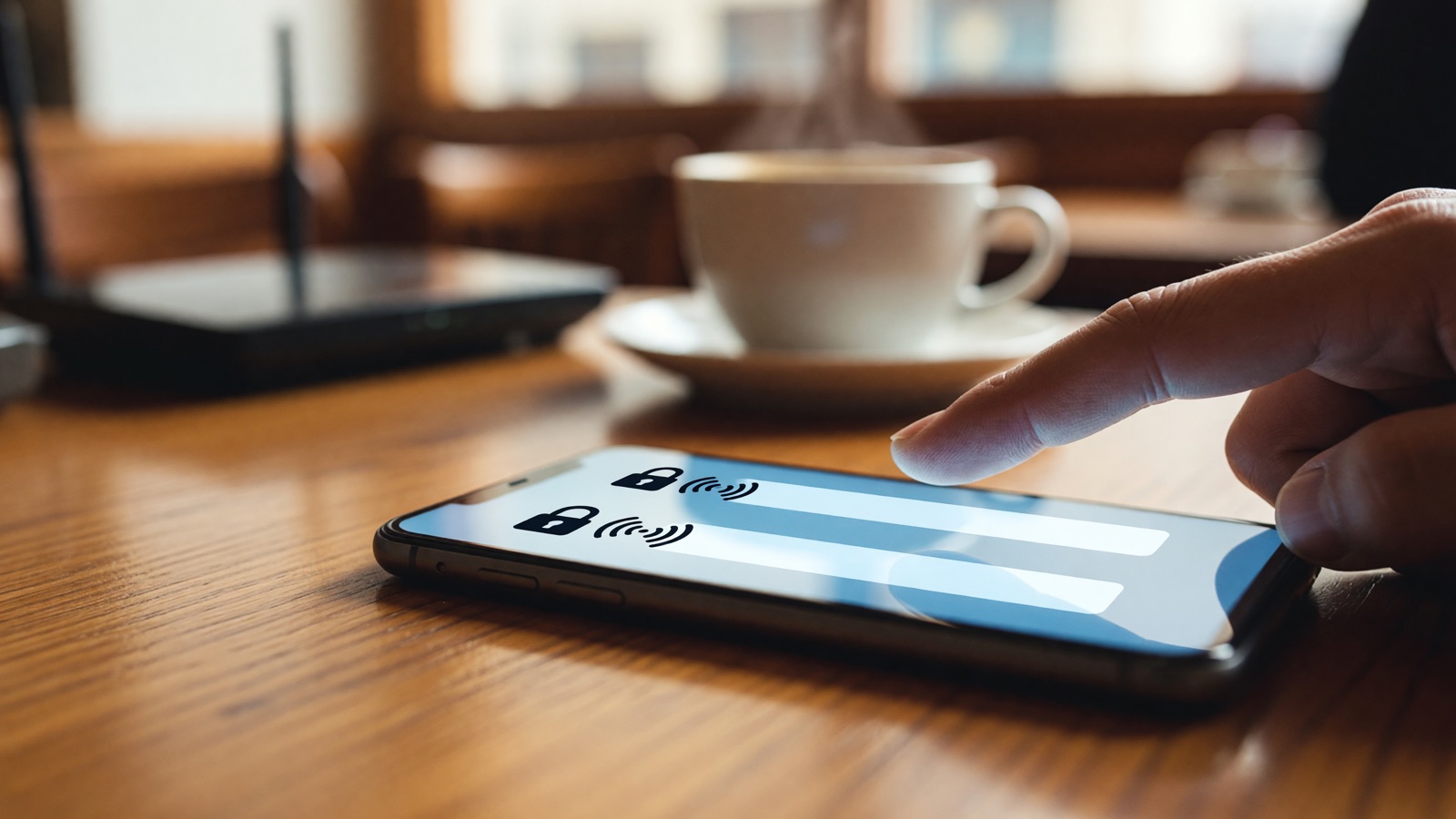
Ask the staff for the exact wifi name before you join. Check that the row has a lock if they said it is passworded. After you connect, stay on https pages and skip banking if the browser warns. A lock on wifi is not the same as a lock in Chrome.
The boarding area at 6 a.m. is a bad place to guess. Two networks sit in the list, one called Airport_Free_WiFi and one called Airport-Free-Wifi. Both promise a connection. One of them might be the real access point. The other might be a laptop. CISA still treats that mix-up as an evil twin: someone copies a public hotspot, broadcasts a stronger signal, and waits for tired people to join.
I used to treat “Free WiFi” like a water fountain. Then a hotel portal asked for an email, a room number, and a date of birth on one screen. Room number is ordinary at some desks. Date of birth is not. I sent the bank app over cellular and left the portal for junk mail.
How do I check if a public wifi is safe before I tap Join?
Confirm the name with a person or a printed sign, then match that name character for character in the list. If the cafe said the network is passworded, the row should show a lock. If they said it is open, an unexpected lock is still a reason to ask again. Do not let the phone join on its own.
CISA’s wireless page puts the first move in one sentence: “Always confirm the name and password of a public Wi-Fi hotspot prior to use.” That is the whole test for the radio, before any browser lock appears. The National Cybersecurity Alliance still flags names like “Airport Free WiFi,” “CoffeeShop_Guest,” and “Hotel Lobby WiFi” as the kind of label a stranger can type in two minutes. Ask. Then look.
On an iPhone, open Settings, tap Wi-Fi, and read the list. A lock next to the name means the access point wants a passphrase. No lock means open. Apple’s own help is blunt about what happens after you join once: “Your device can automatically join only known Wi-Fi networks.” Known means you joined it before, or IT pushed it. The phone is replaying your last tap, not vetting the cafe.
Turn Auto-Join off for that SSID if you only needed it for twenty minutes. Forget it when you leave the hotel if you do not want the laptop to grab it in the lobby next month. On iPhone the path is Settings, Wi-Fi, Edit, then the info button. On a Mac it is System Settings, Wi-Fi, Advanced.
The captive portal is the second check, and it is the one people rush. A real hotel page often wants a room last name and a room number, or a tap on terms. It should not ask you to download a “wifi driver.” It should not ask for your Apple ID, your Google password, or a credit card “to verify the connection.” PCWorld’s 2026 note on hotel portals is the same: no legitimate splash screen tells you to run commands on the device.
If the name on the wall and the name in the list disagree by one character, I pick cellular. The coffee is not worth a cloned login.
Does a lock next to the cafe wifi name mean my traffic is private?
No. That lock only says the access point asked for a passphrase, usually WPA2 or WPA3. It does not encrypt your visit from the cafe’s own equipment. It does not hide which sites you open from the network operator. HTTPS is the lock that covers the page body. The wifi lock covers the radio handshake.
This is the mix-up that still burns people at Starbucks tables. They see a lock in the wifi list, assume the session is private, then type a password into a page that is not https. CISA’s HTTPS training states the old failure plainly: “If your URL doesn’t include https://, then anyone with the technical know-how can see what data you share with a website.”
The FTC’s consumer page flipped the public story for a reason. Most of the web now wraps the payload. The agency’s line is the one VPN ads hate: “Because of the widespread use of encryption, connecting through a public Wi-Fi network is usually safe.” That sentence is about snooping on HTTPS pages, not about fake networks or fake sites.
Chrome’s HTTPS report still charts page loads over HTTPS in the mid-90s percent on the major platforms in its 2026 weekly snapshots. I am not pinning a single day’s number, because the live table moves by platform and plain HTTP is the leftover.
What the cafe lock does well is keep passers-by off the access point if they do not know the passphrase. What it does not do is inspect the laptop already on that passphrase. Guest networks at hotels often share one password printed at the desk. Everyone in the building is “authorized.”
| Check | Open hotspot | Passworded guest wifi (WPA2 or WPA3) | Phone cellular / hotspot | HTTPS in the browser |
|---|---|---|---|---|
| Who you proved yourself to | Nobody | The access point, if the passphrase is the real one | Your carrier | The website |
| Can a stranger on the LAN read a bank page body | Not if the page is HTTPS | Not if the page is HTTPS | No | The body is encrypted |
| Can they see that you opened the bank | Often yes | The operator can; other guests might, depending on isolation | The carrier can | CISA says a network observer can still see the site |
| Fake twin risk if you guess the name | High | Lower if staff confirmed the name | Low | A fake site can still present HTTPS |
| Typical public setup | Cafe with no passphrase | Hotel with a desk code | Your own radio | Almost every major site in 2026 |
WPA3 is stronger than WPA2 on a home router you control. On public wifi you rarely get a choice. Many venues still use an open radio plus a web portal. Treat that as open for the LAN, then lean on HTTPS for the pages.
File sharing is the other quiet hole. CISA’s same wireless note tells you to deny sharing on public networks. Windows still ships with discoverable profiles. A laptop that was in “Private network” at home can stay chatty in an airport if nobody flipped it. Set the profile to public. Turn sharing off. Then worry about Chrome.
Can I log into my bank on public wifi if the site shows https?
You can, on a real bank domain with a clean certificate. I still would not, if the phone has a signal. HTTPS hides the form fields from the person at the next table. It does not stop a lookalike site, a poisoned portal, or a shoulder. Cellular avoids the cafe LAN entirely.
The FTC is explicit that scammers encrypt their own pages too. The consumer article says they “create fake websites and encrypt them to make you think they’re safe when they’re not.” The lock means the path is encrypted to whoever owns that certificate. It does not mean the owner is your bank.
Do the boring URL check. chase.com is not chase-secure.com. cisa.gov is not cisa.com. CISA’s own training uses that swap as the example. Tap the padlock only after the host name looks right. A warning about the certificate is not a speed bump. Disconnect.
Apps are worse because they hide the address bar. CISA’s emergency-services note is the line I keep: “Unlike websites, mobile apps do not have a visible indicator like ‘https’.” If the tax app or the bank app is going to send a password, the same page says to use a secure network or the phone’s data network. I follow that on travel days. Maps and news stay on the cafe. The bank stays on LTE or 5G.
How-To Geek is right that the 2014 panic aged poorly. Sniffing Facebook on HTTP is mostly gone. The remaining mess is social: a twin SSID, a portal that harvests emails, a page that looks like Outlook. HTTPS does not read the sign on the wall for you.
If you already typed a password on a sketchy portal, change that password from a trusted network. Turn on two-factor on the account if it was off. Do not reuse the cafe wifi password anywhere else. That last one sounds obvious until you watch someone type the same string they use for email.
Should I skip cafe wifi and use a hotspot or a VPN instead?
For a bank login, payroll, or a work admin panel, yes. Use the phone’s cellular data or a hotspot you set a password on. A personal VPN is optional for reading the news. It is useful when you do not want the cafe to see which hosts you open. It is useless against a fake site you chose to trust.
The National Cybersecurity Alliance says the quiet part: because most sites already encrypt, a personal VPN usually adds limited protection for ordinary browsing, and it will not save you from a phishing page or a weak password. I agree with that more than I agree with the airport-kiosk ads.
A VPN still has a job. CISA notes that HTTPS hides the contents of a medical form and still lets a network watcher see that you opened the medical site. If that metadata bothers you in a hotel, turn the VPN on before you join, not after a few plain requests have already gone out. Pick a provider you pay for and already use. A random free VPN on a public network is another stranger in the path.
Hotspot is simpler. You are the access point. Set a passphrase that is not the device’s default. Keep the phone in sight. The cost is battery and a data cap, not a subscription pitch. For twenty minutes of email, I would rather spend cellular than debug a hotel portal that wants a room number I do not have.
If your employer issues a VPN, use it for work systems. That rule is theirs, not the cafe’s.
Auto-join is the setting I actually change. Apple scores networks by whether you joined or left them, and it will prefer a known public SSID in a terminal you already used. That is convenient at your own cafe. It is how a laptop grabs “Airport_Free_WiFi” without asking. Forget the travel networks when the trip ends.
What do people still ask about how to check if a public wifi is safe?
The leftover questions are usually the same three checks in disguise: the name on the wall, the lock on the wifi row, and https after you join. A hotel portal, auto-join, an open network, or a VPN does not replace those. Confirm the SSID first. Then decide what you are willing to type.
If the hotel wifi asks for my room number, is that a trap?
Not by itself. Plenty of hotel portals want a last name and a room number, the same pair the front desk already has. A trap looks like extra fields: date of birth, a full card number, a request to install software, or a login for Gmail to “activate” the connection. If the page feels like a bank form, stop and ask the desk which URL should appear.
Does forgetting a network make my phone safer the next time I fly?
It stops the phone from joining that SSID without a tap. Apple says a device auto-joins only networks it already knows. Forgetting deletes the password and the habit. It does not hide you from a new twin with a similar name. You still have to read the list. I forget hotel and airport names when I pack, and I leave home and work alone.
Is open wifi always unsafe if I only read the news?
Open means nobody typed a passphrase, not that every packet is being stolen. HTTPS news sites still encrypt the article text. The operator can see that you opened the site. Someone on the LAN might too. I read headlines on open cafe wifi. I do not type passwords there, and I do not click through certificate warnings to finish a paragraph.
Do I need a VPN before I can tell if the wifi is safe?
No. The safety check is the name, the lock on the wifi row, and https on the pages you use. A VPN hides more of the traffic from the cafe after you join. It does not confirm you joined the real access point. If the SSID is wrong, you already gave that radio a client. Confirm the name first.