Look at the plug for a printed 60W or 240W mark, or for 5A, 100W, or USB4. A USB-C cable with no rating is a 3-amp cable, which means 60 watts at 20 volts. USB-A to USB-C cannot do Power Delivery. Above 60 watts the cable needs an e-marker chip or the charger caps you at 3 amps.
The 65-watt brick is already in the wall at the gate. You still have twelve percent, a two-hour flight, and a cable that came free with a hotel key packet. The phone shows a charge bolt. Forty minutes later the number has barely moved.
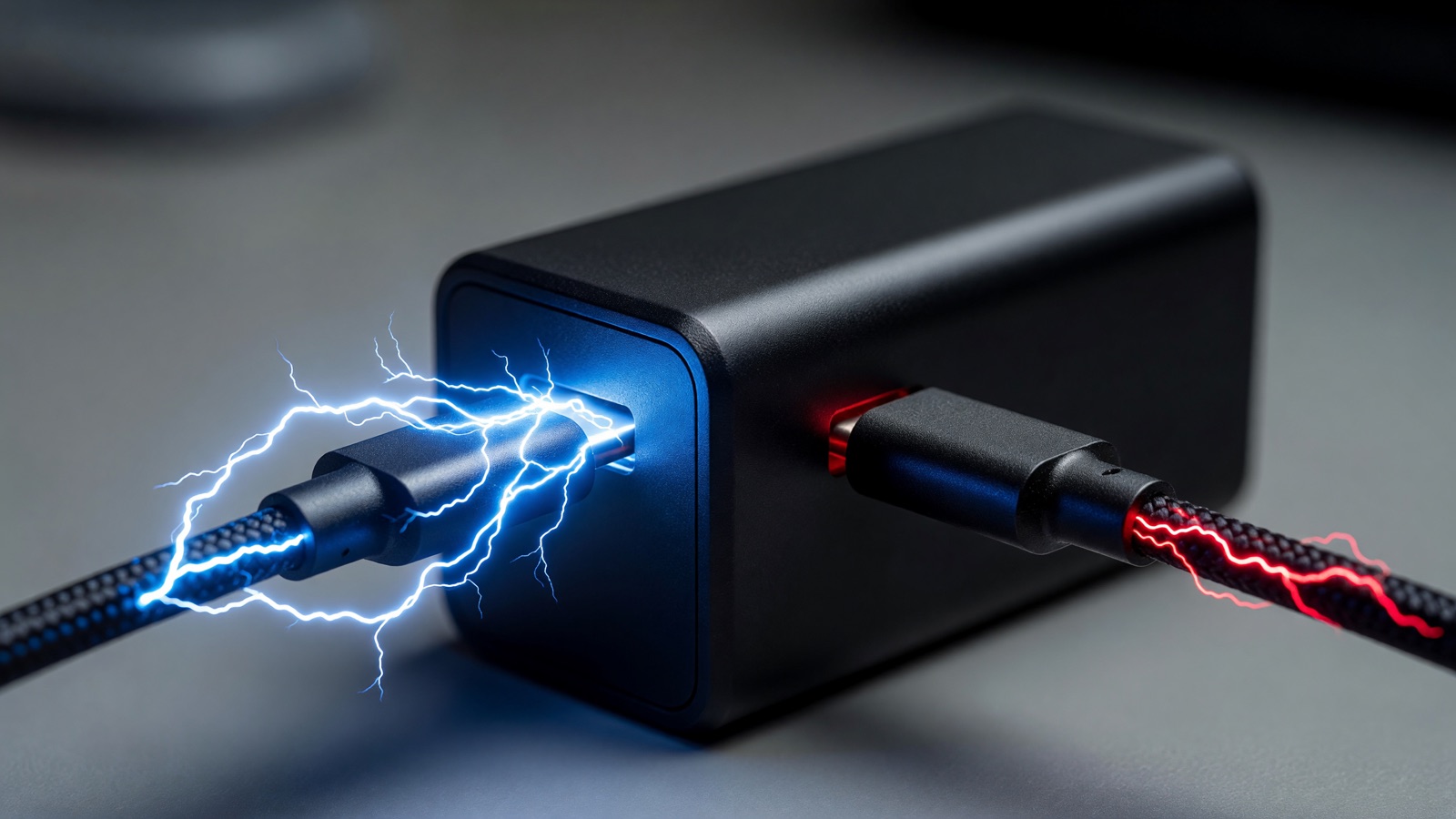
The oval plug is the same on both ends. The charger can be honest. The cable can still be the part that quietly says no.
Does a USB-C cable that looks thick actually fast charge?
No. Thickness is a hint, not a proof. Two cables can look identical and still negotiate different wattages because the charger reads a chip in the plug, not the jacket. If nothing is printed on the shell, treat it as a 3-amp, 60-watt cable. A fat braid does not unlock 100 watts by itself.
I have done this at a kitchen table with two black USB-C cords that felt the same in the hand. One kept a work laptop from dying in a video call. The other let the battery slide backward while the same 100-watt brick sat in the outlet. The difference was not the weave. It was whether the cable could advertise 5 amps.
Wikipedia’s USB hardware page puts the electrical split in one line: a standard USB-C cable is specified for 60 watts. USB-IF’s Power Delivery page is the other half of that story. Before the 2021 PD 3.1 update, USB PD topped out at 100 watts on 20 volts through Type-C cables rated at 5 amps. PD 3.1 then added 28V, 36V, and 48V so a full-featured Type-C cable and connector could carry 140W, 180W, and 240W.
None of that is visible from across the room. A cheap cord can be thick because of filler. A good 60-watt cord can look skinny and still be the right tool for a phone.
Chip maker Renesas states the cap in one sentence, and I am leaving their wording alone:
“If the cable cannot be identified as a 100W (5A) or EPR compatible cable, the maximum current will be limited to 3A, so even if the Source PDP is 100W to 240W, the supplied power will be limited to a maximum of 60W.”
That is the kitchen-table failure in spec language. The brick was not lying. The cable never raised its hand.
What markings prove a USB-C cable supports fast charging?
Printed 60W or 240W on the overmold is what USB-IF wants on certified USB-C to USB-C cables. 5A, 100W, USB4, or a Thunderbolt mark are also useful. No mark means you have not proven fast charging. A fake logo can still be printed, so a meter is the only conclusive check.
USB-IF’s cable and connector page is blunt about the labels it will even test:
“In order to pass through the USB-IF Compliance Program, all USB-C® to USB-C cables categories must be labelled with either a power capability of 60W or 240W by using the appropriate power icon and/or logo.”
That pairing surprises people who still shop for “100W” on a product page. Electrically, 100 watts is 20 volts at 5 amps. On the certified consumer logos, USB-IF collapsed the power story into 60W or 240W when PD 3.1 landed. Jeff Ravencraft, then USB-IF President and COO, said this in the September 2021 announcement:
“With the new higher power capabilities enabled by the USB PD 3.1 Specification, which unlocks up to 240W over a USB Type-C cable and connector, USB-IF saw an opportunity to further strengthen and simplify its Certified Logo Program for the end user.”
So you may see 100W printed by a brand, and 240W printed as the USB-IF power icon, on cables that are not doing the same job. Read the number that is on the plastic in your hand, not the number in the listing title.
USB 2.0 Type-C cables, the slow-data ones, still get a power icon if they go through that program. They do not have to shout 480 Mbps on the jacket. A 240W charging cable can still be a USB 2.0 data cable. Fast charge and fast copy are separate claims.
| What you are holding | Current the spec allows | Power at 20V | Power at 48V | e-marker |
|---|---|---|---|---|
| Unmarked USB-C, or 3A / 60W | 3A | 60W | Not in SPR | Not required |
| 5A / 100W USB-C | 5A | 100W | Not unless EPR | Required |
| 240W EPR USB-C | 5A | 100W at 20V | 240W | Required |
| USB-A to USB-C | No PD CC wire | PD does not run | PD does not run | Not how PD works |
Those wattage steps match Wikipedia’s USB PD table: 20V × 3A = 60W, 20V × 5A = 100W, then 28V / 36V / 48V at 5A for 140W / 180W / 240W. I have not verified any one marketplace listing against that table.
Do I need an e-marker chip to fast charge a phone?
Usually no. A phone that only asks for 20 or 30 watts can fast charge on a USB-C to USB-C cable that still carries the CC wire and stays inside 3 amps. The e-marker is required once you want more than 3 amps. A laptop that wants 65W or 140W cares. Most phones do not.
The USB Type-C Cable and Connector Specification, Release 2.0, is the source for who gets the chip: “All USB Full-Featured Type-C cables shall be electronically marked.” Then: “USB 2.0 Type-C cables may be electronically marked.” Cables rated above 3A are electronically marked. That is why the cord in a phone box can be a perfectly honest 3A cable with no chip in it. It was built for the envelope on the box.
I would not buy a 240W cable for a phone. You pay for copper and a chip the phone will never ask for. Buy it if the same bag has to charge a 16-inch notebook.
Apple’s fast-charge note is useful here because they name both the adapter and the cable, not just the brick:
“When you connect the appropriate power source and cable to your compatible Mac, you can quickly charge your battery up to 50 percent in around 30 minutes.”
For 16-inch MacBook Pro models from 2021 on, that combination is a 140W USB-C Power Adapter with a USB-C to MagSafe 3 cable. For 16-inch models from November 2023 on, Apple also lists a 140W adapter with a 240W USB-C Charge Cable. A random 60W USB-C cord on that same 140W brick is the Renesas case: 3A, 60W, battery that may still fall during a call.
Phones are the other direction. If the handset only negotiates 9V at 3A, a 100W cable does not make it a 100W phone. The cable rating is a ceiling, not a command.
Why does a USB-A to USB-C cable refuse Power Delivery?
USB-A has no CC pin, and USB Power Delivery talks on that pin. An A-to-C cable can still charge, often at Battery Charging or Quick Charge rates. It cannot run USB PD. If the brick only has a USB-A hole, PD never starts, no matter what the box says.
MakeUseOf’s pinout piece is the clearest public walkthrough I found of that missing wire. USB-C needs the CC line for the handshake that picks voltage. USB-A ports are not cold sockets in the same way. Power can flow without that talk. PD cannot.
That is why a hotel drawer full of A-to-C leftovers will fill a phone overnight and still leave you at 40 percent after an hour at the gate. Some Android phones fall back to older Quick Charge on USB-A. Apple phones on a generic A-to-C lead often look like they are barely sipping. I have not measured those fallback wattages on a named 2026 handset for this draft, so treat the exact numbers as unverified.
Proprietary exceptions exist. Some phone makers push high wattage through USB-A with a special extra pin and a matching brand cable. Lose that cable and the magic number disappears. That is not USB PD, and it is not something a random C-to-C cord will restore.
If you want PD, both ends of the cable and the wall brick need to be USB-C. That is the boring rule that actually works.
How can I test a USB-C cable without a USB meter?
Use a charger you already trust, then read what the phone or laptop reports. Android sometimes writes Fast charging on the lock screen. On a Mac, hold Option, open System Information, pick Power, and read the wattage under AC Charger Information. A USB-C power meter is the number I would trust over a listing.
The test only means something if the brick can already do PD at the wattage you care about. Swapping cables on a 20-watt cube will not reveal a 100-watt cord. Swapping cables on a 100-watt GaN brick, with a laptop that will actually draw it, will.
Apple documents a related check in its Mac power-adapter article: look at the certification label on the adapter for watts, or use System Information as above. If your Mac uses USB-C to charge, Apple says you can use a USB-C PD adapter even when the wattage is higher or lower than the one in the box. Lower still charges. It may charge slowly, and under load the battery can still drop.
A dedicated meter is the grown-up version of that. Plug it between a charger rated above 60W and a device that will ask for more than 60W. 20V at 5A means the cable advertised 5A. 20V at 3A means you are on a 60W cord in a nicer jacket. I have not bench-tested a named meter model for this draft.
Label the ones that pass. The unmarked hotel cable can stay in the bag for a phone. Keep it off the laptop.
The practical sort is small. Phone and tablet: USB-C to USB-C, PD on the brick, 60W is enough. Work laptop that wants 65W to 100W: 5A cable with an e-marker, or you have already lost. 16-inch class notebooks that Apple ties to 140W: MagSafe 3 or a 240W USB-C charge cable, not the free cord from a conference booth.
Frequently asked questions
Can a 60W USB-C cable charge a 100W laptop?
Yes, slowly, and maybe not while you work. Renesas says that without a 100W (5A) or EPR cable, current stays at 3A and power tops out at 60W even when the source is 100W to 240W. On a 16-inch MacBook Pro that Apple pairs with a 140W adapter, 60W is how the battery falls during a call. The laptop is not broken. The cable refused 5A.
Does a 240W cable make a phone charge at 240W?
No. The phone asks for a profile. The cable only sets a ceiling. A 240W EPR cable can still be USB 2.0 for data. Apple’s 50 percent in about 30 minutes figure is for specific Macs with the matching adapter and cable, not for a handset. If the phone only wants 20 or 30 watts, the extra copper sits there unused.
Is the cable in the phone box a fast-charging cable?
Often yes for that phone, and no for a laptop. Phone-box cords are commonly 3A USB 2.0 cables with no e-marker, which is legal and normal. They can still do PD up to 60W if the CC wire is there. They will not unlock 100W. If the box never printed a wattage, do not assume 5A.
How do I tell a charge-only USB-C cable from one that also does data?
Try copying a large file through it. Charge-only cables skip the data pairs. A 100W charging cable can still be 480 Mbps USB 2.0, so a fast charge does not mean a fast copy. USB-IF lets USB 2.0 Type-C cables omit a data-rate mark and still carry a 60W or 240W power icon.