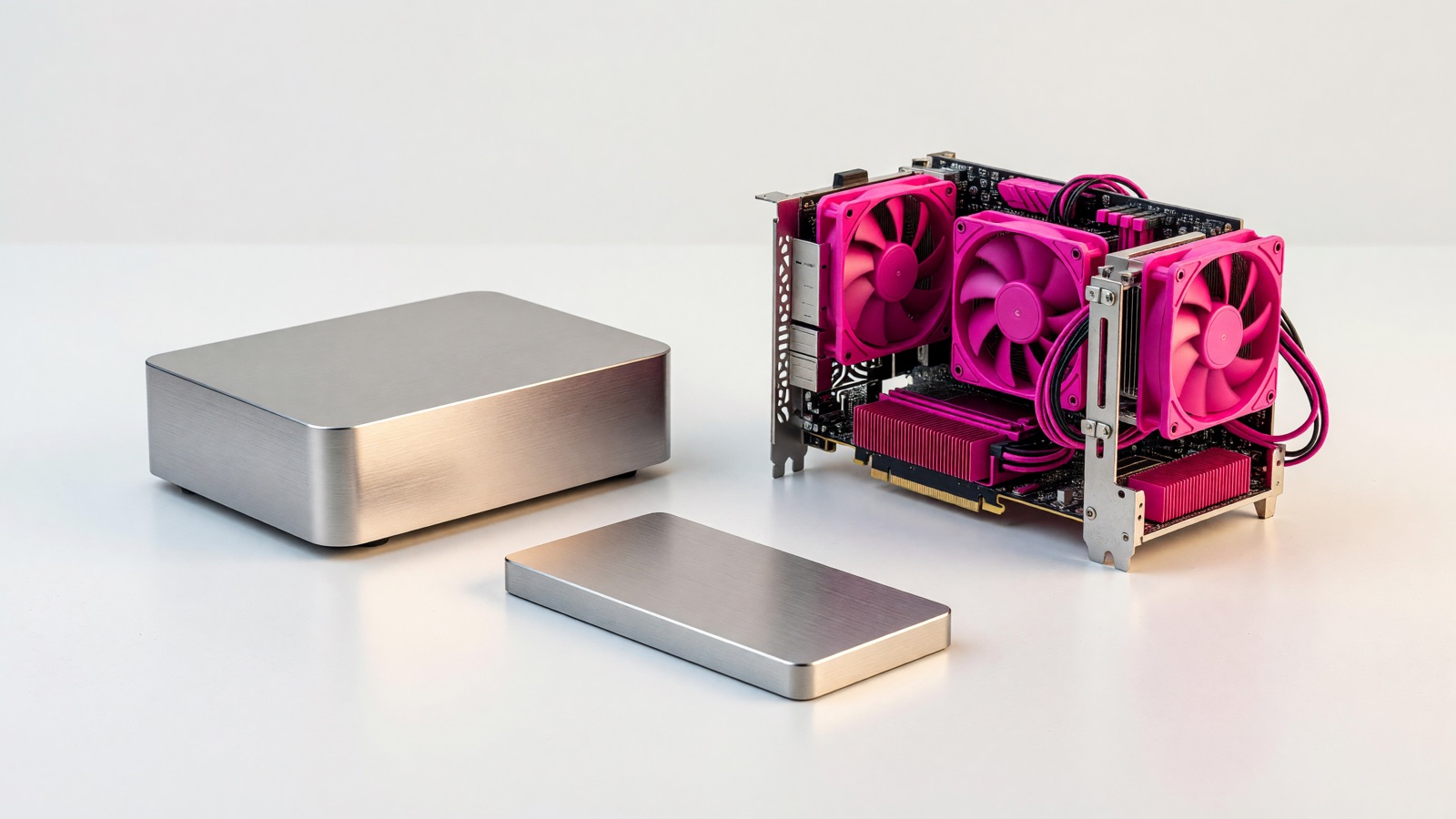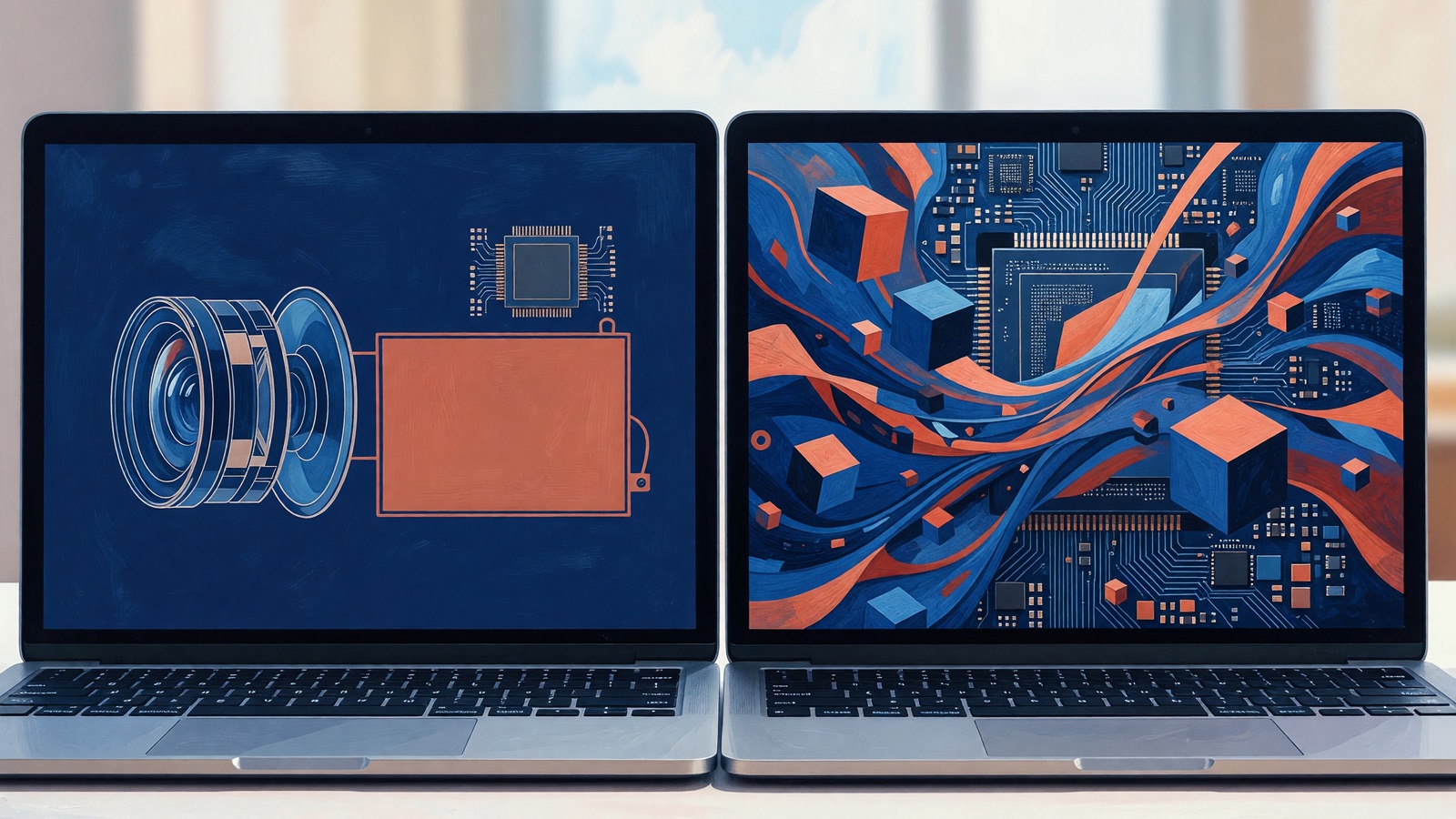
Prioritize a GPU with enough memory for local chatbots, image generation, or AI-assisted video work. An NPU is more useful for battery-efficient webcam effects, transcription, and Copilot+ features. In either case, check whether your app supports the accelerator.
Store pages rarely show which apps use which chip. One laptop advertises a 50-TOPS NPU, another has an RTX badge, and both call themselves AI PCs. A meeting app may hand background blur to the NPU while a local image generator uses the GPU. Check the apps you plan to run before comparing the badges.
Should you buy the NPU laptop or the GPU laptop for local AI?
Choose a GPU laptop for local language models, image generation, AI video editing, or tools with existing GPU acceleration. Choose an NPU laptop for efficient background AI and Copilot+ features. A laptop with both can cover both kinds of work if the budget allows.
For a commuter who needs live captions and cleaner video calls through a morning of meetings, the NPU has a clear role. Someone loading a local coding model after work and generating images in batches will usually get more from a supported GPU. Battery life matters more to the first buyer; model performance matters more to the second.
The Windows ML overview describes the NPU as suitable for “battery-efficient, sustained on-device inference” and the GPU as the home of “high-throughput workloads such as image, video, and generative AI.” Microsoft’s categories help frame the choice, although individual apps still need support for the hardware.
An NPU cannot replace system memory or GPU memory; the model still has to fit. When two laptops advertise similar AI performance, check RAM, dedicated VRAM if present, cooling, and upgrade options. An accelerator with too little usable memory cannot handle the intended workload.
Which local AI jobs actually favor an NPU?
An NPU suits small or optimized models that run repeatedly while the laptop handles other work. Noise suppression, background segmentation, eye-contact correction, OCR, and speech recognition are possible uses. Its main advantage here is lower-power inference; it does not necessarily outperform a GPU on speed.
Imagine a two-hour video call on battery power. The camera needs to separate your face from a messy room for every frame, but you still need the CPU for the meeting app and the GPU for the display. Moving that narrow inference job to a dedicated NPU can leave the other processors free for their usual work.
ONNX Runtime’s execution-provider documentation explains that supported nodes or subgraphs go to hardware-specific libraries. A model may use the NPU for supported operations and run the rest elsewhere. The advertised TOPS figure does not tell you how well that handoff works in your app.
Microsoft says, “Windows ML is the unified and high-performance local AI inferencing framework for Windows, powered by ONNX Runtime.” It can access NPU, GPU, and CPU execution providers. Microsoft also warns that performance varies by hardware configuration and model, so a benchmark without the model or runtime leaves out information you need for comparison.
Find the exact program you expect to run and check for an NPU backend for that laptop’s processor family. “AI ready” alone tells you little. If the vendor lists only CPU, CUDA, DirectML, Metal, or Vulkan support, do not count on NPU acceleration in that program without documentation confirming it.
Why does a GPU still win for local LLMs and image generation?
GPUs remain the safer choice for heavy local AI because they combine parallel processing, mature software support, and memory intended for large working sets. A discrete GPU is especially useful when you want a responsive local chatbot, repeated image generation, or a workflow that already names CUDA, TensorRT, DirectML, or another GPU backend.
A local language model needs usable memory for its weights and enough bandwidth to move them during generation. Check VRAM and supported model sizes alongside throughput figures. A high AI TOPS number alone cannot tell you whether replies will arrive without long pauses.
NVIDIA’s own explanation is blunt: “TOPS is only the beginning of the story. LLM performance is measured in the number of tokens generated by the model.” The company’s AI performance guide is marketing for RTX hardware, so treat its product comparisons accordingly. Its point about measuring the actual job is sound: chatbot speed is better described by tokens per second and time to first token than by one peak TOPS figure.
For image generation, compare seconds per image at the same resolution, model, step count, and power setting. A result from another checkpoint or a desktop GPU may not describe a thin laptop. Check battery-powered tests as well as plugged-in results, which can hide a performance drop when unplugged.
Integrated GPUs share system memory instead of carrying a separate VRAM pool. That can help a model fit, though bandwidth, drivers, and runtime support still matter. Apple’s Core ML documentation says its framework can use the CPU, GPU, and Neural Engine; the application may decide where each operation runs.
If you are buying for one named tool, read its current hardware requirements. A modest GPU with a tested backend may be more useful than a faster-looking accelerator the program cannot address. Apply the same check to Apple, AMD, Intel, Qualcomm, and NVIDIA systems rather than relying on branding.
Can TOPS tell you which AI laptop is faster?
No. TOPS measures a peak rate of certain operations, not how quickly your chosen chatbot answers or how long an image takes to render. It is useful inside a defined platform requirement, such as Copilot+, but it does not support clean comparisons between different chips, precisions, models, memory systems, or software stacks.
NVIDIA offers a decent analogy even in its promotional material: “Think of TOPS as a raw performance metric, similar to an engine’s horsepower rating.” Horsepower does not tell you a car’s lap time, and TOPS does not tell you time to first token. Precision matters too. Two figures labeled TOPS may count different data types or sparsity assumptions.
Microsoft’s current Windows 11 specifications give TOPS a narrower, useful role. Copilot+ PCs require an NPU capable of 40 or more TOPS, along with the memory and storage baseline below. That threshold tells you whether a machine qualifies for the class. It does not say that a 50-TOPS NPU will beat a supported GPU in your image generator.
| Confirmed Copilot+ baseline | Required value | What it tells you |
|---|---|---|
| NPU performance | 40+ TOPS | The processor meets Microsoft’s NPU threshold for Copilot+ PCs |
| System memory | 16 GB DDR5 or LPDDR5 | The machine meets the platform memory baseline, not every local model’s needs |
| Storage | 256 GB SSD or UFS | The machine meets the platform storage baseline, not a creator’s long-term capacity needs |
When you compare two review charts, reject any result that omits the model, quantization or precision, runtime, accelerator backend, memory use, and power mode. For a chatbot, look for tokens per second and time to first token. For diffusion, look for seconds per image. For an all-day background task, ask about battery drain and sustained thermals.
What should you verify before buying an AI laptop?
Start with the app, model, and operating system you intend to use. Confirm its supported backend and whether the model fits in available memory. Then compare sustained performance and battery behavior. A processor name means little without those details.
Use this sequence while the product pages are open:
- Write down one real workload, such as transcribing a forty-minute interview, chatting with a local model, or generating a batch of draft images.
- Open the application’s hardware documentation. Look for the exact processor family or backend, not a general AI PC claim.
- Check system RAM and dedicated VRAM. If memory is shared, find out how much the operating system and runtime can actually allocate.
- Read tests that name the model, settings, runtime, and wall-power state. Ignore charts that provide only a TOPS total.
- Check noise, heat, and unplugged behavior. Local AI that lasts five minutes in a review can behave differently during a full work session.
- Verify upgrade options. Soldered memory turns today’s guess into a permanent ceiling.
The store-page version of this decision often looks absurdly simple: one machine has an NPU badge, another has a GPU badge, and a third advertises both. Your software list cuts through that. A person who spends the day in video calls may value quiet NPU offload. Someone building ComfyUI workflows should begin with its supported GPU paths and memory demands.
Do not buy on future support. If the application cannot use the NPU today, count its value as zero for that application. Future driver or runtime updates may change the answer, but a purchase should work with the software you have now.
What do buyers still ask about laptop NPUs and GPUs?
Before comparing NPU and GPU specifications, check whether the app can use the accelerator, whether the model fits in memory, and whether the laptop can sustain its speed. The software documentation answers the first question better than the logo on the palm rest.
Can an NPU run a local LLM?
Yes, if the model has a compatible format and the app supports that laptop’s NPU runtime. In practice, support varies by processor family and model operations. If your preferred chatbot lists only CPU or GPU backends, the NPU will not help. Confirm the exact backend rather than assuming any ONNX model will run unchanged.
Is a 40-TOPS NPU faster than a laptop GPU?
The numbers are not directly comparable. Microsoft’s 40-TOPS figure is a Copilot+ qualification threshold, while GPU performance depends on architecture, precision, memory, and software. Compare results from the same model and runtime. For chat, use tokens per second; for image generation, use seconds per image at matching settings.
Do Macs make the NPU-versus-GPU choice for me?
Often, yes. Core ML can schedule work across the CPU, GPU, and Apple Neural Engine, and the application developer controls how the model is packaged. Other tools may use Metal or CPU paths instead. Check the specific Mac app and model. The Neural Engine’s presence does not guarantee that a downloaded AI program uses it.
Should I buy a laptop with both an NPU and a discrete GPU?
It is the most flexible option if you split time between battery-sensitive meetings and heavier generative work. It also adds cost, heat, and weight, so flexibility is not free. If one workload dominates, buy for that workload first. A supported GPU usually matters more for demanding creation; an NPU matters more for efficient background features.